1
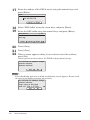
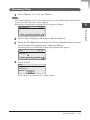
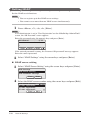
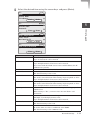
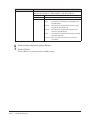
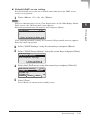
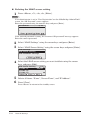
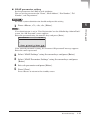
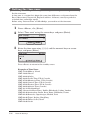
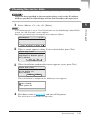
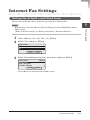
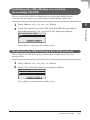
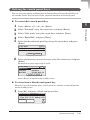
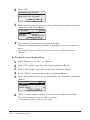
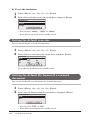
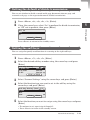
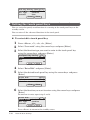
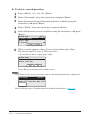
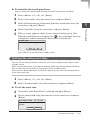
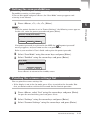
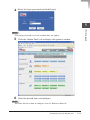
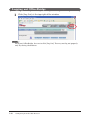
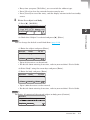
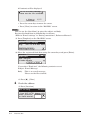
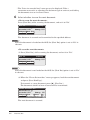
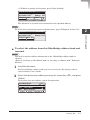
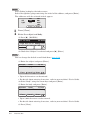
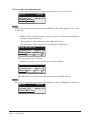
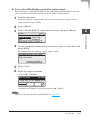
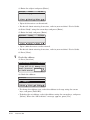
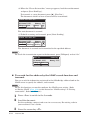
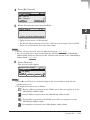
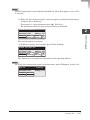
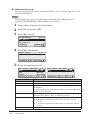
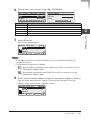
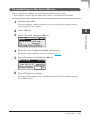
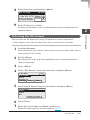
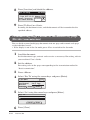
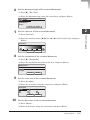
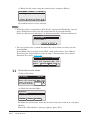
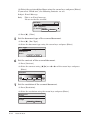
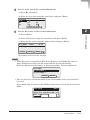
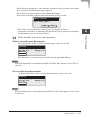
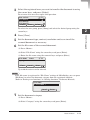
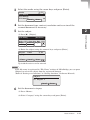
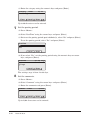
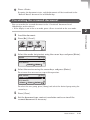
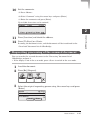
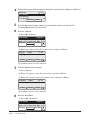
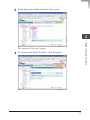
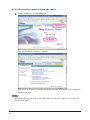
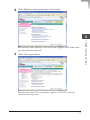
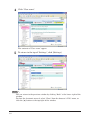
10 Set the comments. (1) Press <Menu>. (2) Select “Comment” using the cursor keys and press [Enter]. (3) Enter the comments and press [Enter]. Up to 1,024 characters can be entered. Lower Clear Cancel 0/1024 2 Enter Press [Location] and check the address. Press [Tx Start] or <Start>. Scanning the document starts, and the document will be transferred to the “Circulated” document list of OfficeBridge. Requesting processing of the scanned document You can transfer the scanned document to the “Processing” document list of OfficeBridge and post it. •If the display is not in the scan mode, press <Scan> to switch to the scan mode. 1 2 Load the document. Press [], [Request]. Bulletin Circul. Request 3 2/2 Select the original requesting person using the cursor keys and press [Enter]. Sender 1/11 001:User001 002:User002 003:User003 Cancel Enter Network Scan 2-45 MFP Operations 11 12 Comment _