1
CHAPTER 3: GETTING STARTED
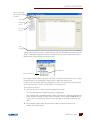
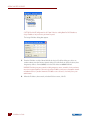
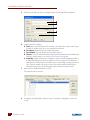
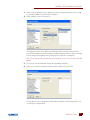
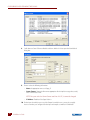
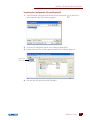
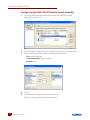
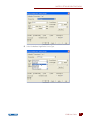
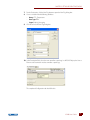
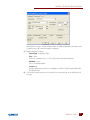
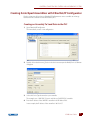
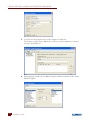
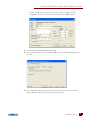
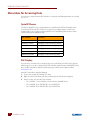
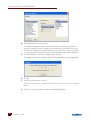
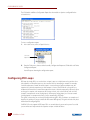
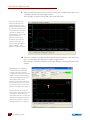
3. In the Add Module dialog box, choose the module type and then the exact module part
number from the lists. Click OK.
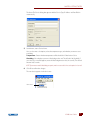
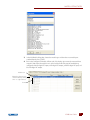
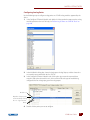
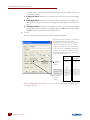
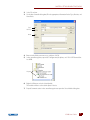
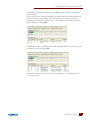
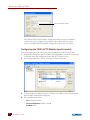
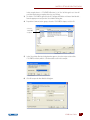
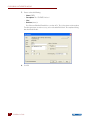
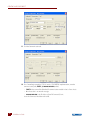
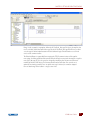
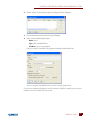
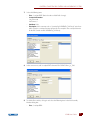
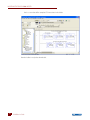
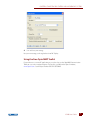
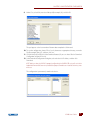
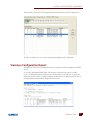
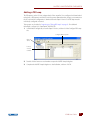
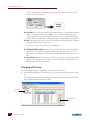
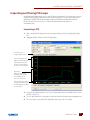
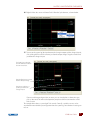
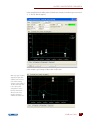
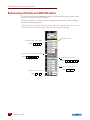
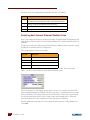
4. Back in the Configure I/O Modules & Points tab, click the plus sign next to the new module to
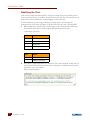
expand it. Notice that the module icon is color-coded to reflect the type of module being
configured: white for digital DC input, red for digital DC output, yellow for digital AC input, and
black for digital AC output.
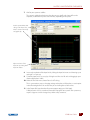
Module icon
Expand or collapse points
on the module by clicking
the + or - sign in the box.
Points
IO4AB User’s Guide
www.klinkmann.com
www
17
17