1
6: 4: Setting Up Implicit MessagingChapter 6
4: Setting Up Implicit
Messaging
This chapter describes how to use EtherNet/IP Configurator and RSLogix 5000 software to set up
implicit messaging between an Allen-Bradley controller and Opto 22 remote I/O. If you want to set
up explicit messaging, see “5: Setting Up Explicit Messaging” on page 33. For help in choosing a
messaging type, see “Choosing the Messaging Type” on page 8.
Before you begin, make sure you have done the following things:
•
Installed your Opto 22 device and modules according to the instructions that came with the
device and modules
•
Added your Opto 22 device using EtherNet/IP Configurator (see “Adding an Opto 22 Device” on
page 12)
•
Configured the Opto 22 I/O module and points (see “Configuring I/O Modules and Points” on
page 16)
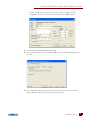
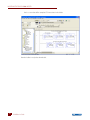
To set up implicit messaging you must use EtherNet/IP Configurator to create input and output
assemblies. An assembly provides the format for the implicit message packet that includes the
information for the point or points you are interested in. Once you have created the assemblies you
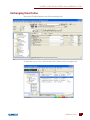
will use RSLogix 5000 to complete the setup.
For a list of the basic things you will need, see “What You Will Need” on page 11.
In this Chapter
Creating an Input Assembly ...................................24
Creating an Output Assembly ...............................26
Configuring RSLogix for Implicit Messaging ...28
IO4AB User’s Guide
www.klinkmann.com
www
23
23