1
21 (42)
User Manual
Lonix PCT
6. Building Modeler
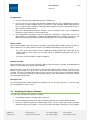
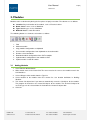
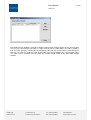
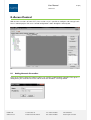
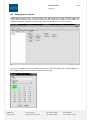
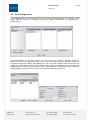
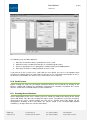
Building Modeler consists of two parts:
1. Building Model describes the physical structure of the building
2. Control Model describes the system structures and locations
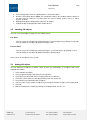
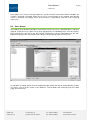
The following buttons are shortcuts to functions as follows:
1.
2.
3.
4.
5.
6.
Add a new building into the Building Model Tree
Add a new building part into the Building Model Tree
Add a new space into the Building Model Tree
Add a new control system into the Control Model Tree
Add a new control group into the Control Model Tree
Remove selected objects from the tree
Start by creating first a building model. By default, control systems are added to the first building.
6.1
Adding a Control System
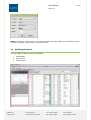
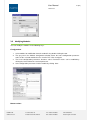
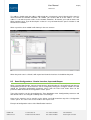
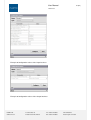
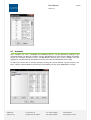
You can add a control system by clicking the respective shortcut button or by right-clicking on a control
system in the control system tree. The created control system can also be defined to be a Location by
selecting yes in the Object Properties. This is useful for defining actual physical locations for modules
and IO objects.
6.2
Adding a Control Group
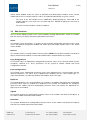
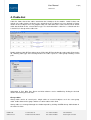
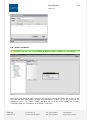
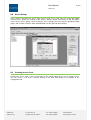
Control groups are used by the COBA server and represent a single measurement or control in the
system. With the release of COBA Editor this feature of PCT should no longer be used. All COBA
server configurations etc. should be made with COBA Editor.
LONIX LTD
www.lonix.com
Teollisuuskatu 33
FI-00510 Helsinki, Finland
Tel. +358 9 349 9853
Fax +358 9 349 9863
VAT 1043054-9
Trade Reg.No. 678.356