1
Lesson 8
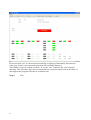
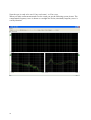
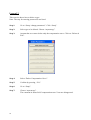
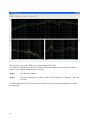
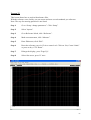
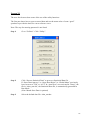
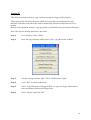
This lesson shows how the "Scale" operation functions. Scale is a constant "zoom" function of
graphic display.
Note: The step for entering password is not listed.
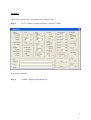
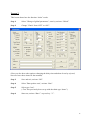
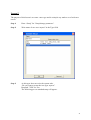
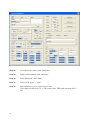
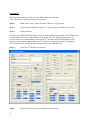
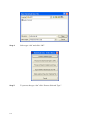
Step 1:
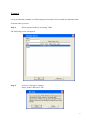
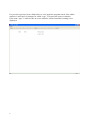
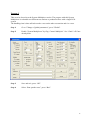
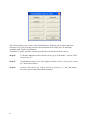
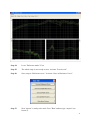
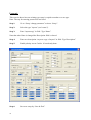
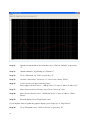
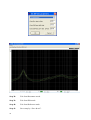
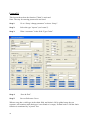
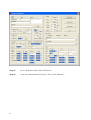
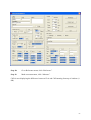
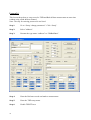
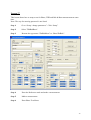
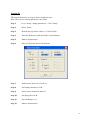
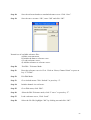
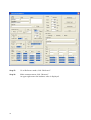
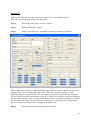
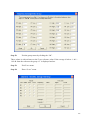
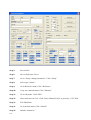
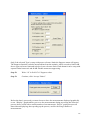
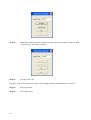
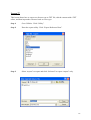
Enter “Setup / change parameters” activate “Setup”.
Step 2:
Select type “resonance” (see lesson 7).
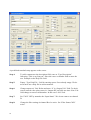
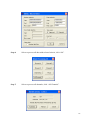
Step 3:
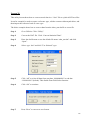
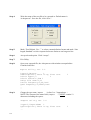
Enter in the field Type Name “Rscale".
Step 4:
Write, “scaled version” in “Type Description” field.
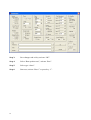
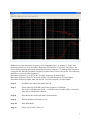
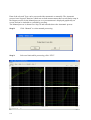
Step 5:
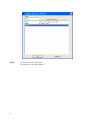
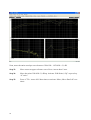
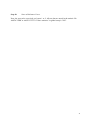
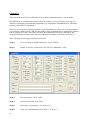
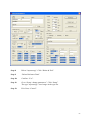
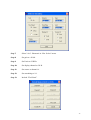
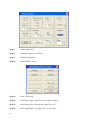
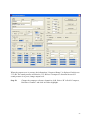
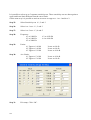
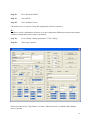
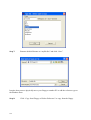
Go to “Reference settings” by clicking on “Reference”.
Step 6:
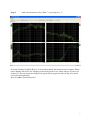
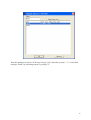
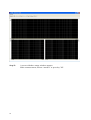
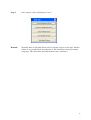
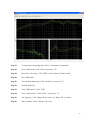
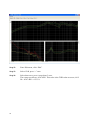
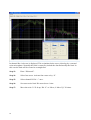
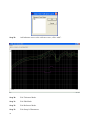
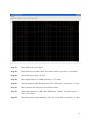
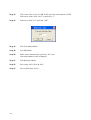
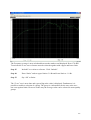
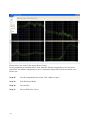
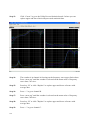
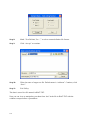
Carry out a measurement. Click on “Measure” or press key “M”.
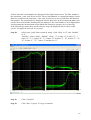
Step 7:
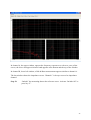
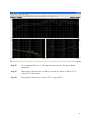
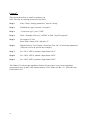
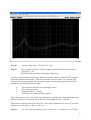
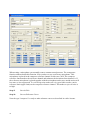
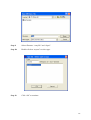
Go to “Edit mode” by “Edit” or press key “E”.
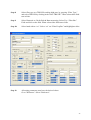
Step 8:
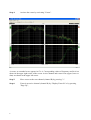
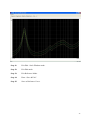
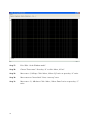
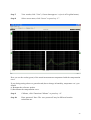
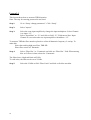
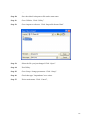
Go to “Scale mode” by “Scale” or press key “S”.
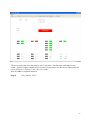
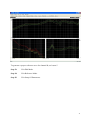
Step 9:
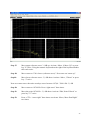
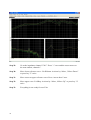
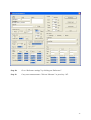
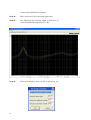
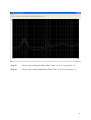
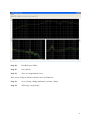
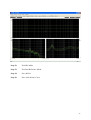
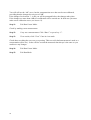
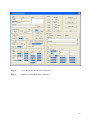
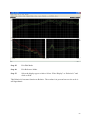
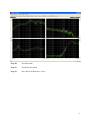
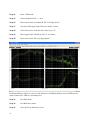
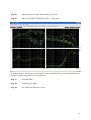
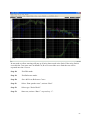
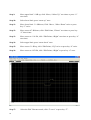
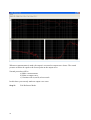
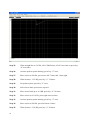
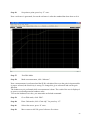
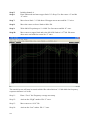
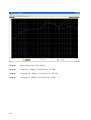
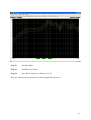
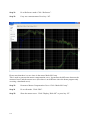
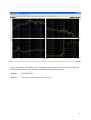
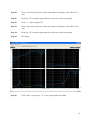
Enlarge range. Activate “Range Down” twice or press key “2” twice.
Step 10:
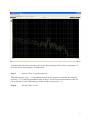
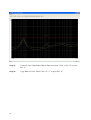
Move window up. Activate “Window UP” twice or press key “3” twice.
42