1
Strata CIX
Using Companion Applications
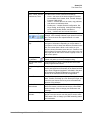
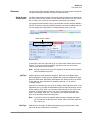
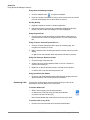
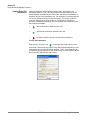
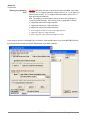
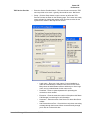
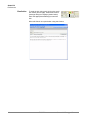
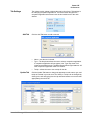
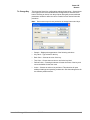
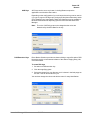
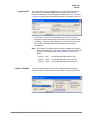
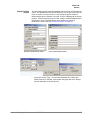
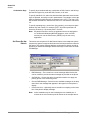
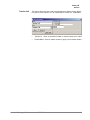
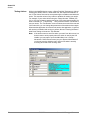
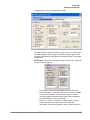
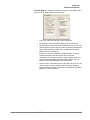
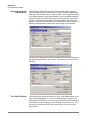
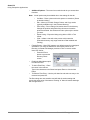
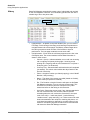
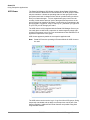
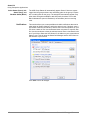
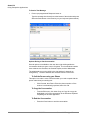
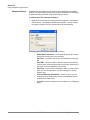
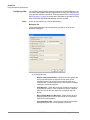
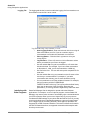
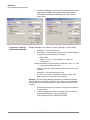
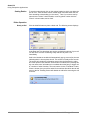
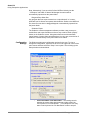
3. In Strata Call Manager create two Personal Call Handler Rules to
trigger when the DND status changes causing Chat DND to
follow Strata Call Manager’s DND status. The two rules are
shown below.
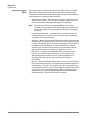
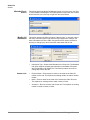
Command 4 – Sending a
Chat/Broadcast Message
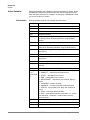
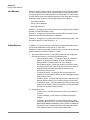
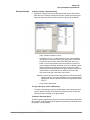
Format: ONESHOT, Ext #/“Name”, Urgency, “Message”, Timeout where:
•
ONESHOT = The command name.
•
Ext #/”Name” = The extension number or name of the individual
or group to receive the message. Examples:
•
Ext # = 1001
•
“Name” = “Linda”, “<Tech Support>” or “<<Sales>>
•
For Everyone = “*
NoteThe broadcast group names must contain the < and > or << and
>> characters as part of the name.
•
Urgency = enter H if urgent message and leave blank if normal
message.
•
“Message” = The text message to be sent.
•
Timeout = The number of seconds for popup to expire. If left
blank it will be set to the default of 60 seconds.
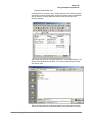
Example: The Tech Support Manager schedules Group Meetings with his
staff. He wants to use Outlook to schedule the meeting and use the Outlook
Reminder to send a Chat Broadcast to his group a few minutes before the
meeting.
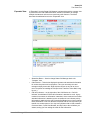
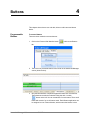
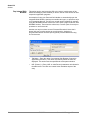
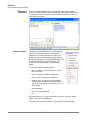
1. In Chat a Personal Group is created containing the members of
<Tech Support>.
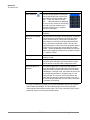
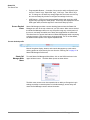
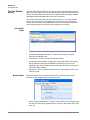
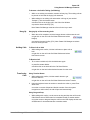
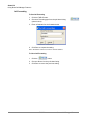
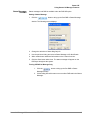
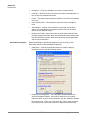
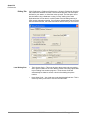
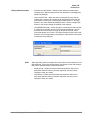
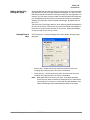
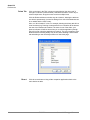
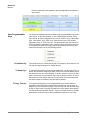
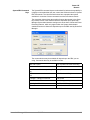
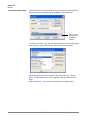
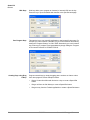
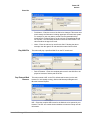
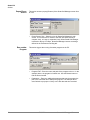
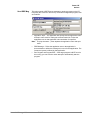
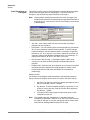
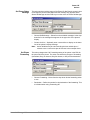
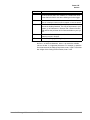
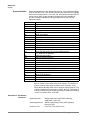
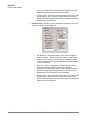
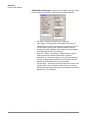
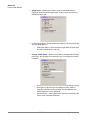
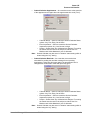
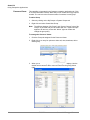
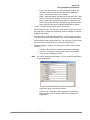
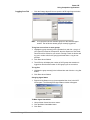
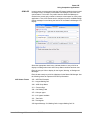
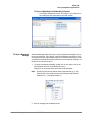
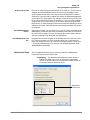
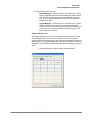
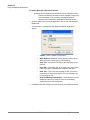
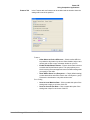
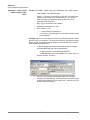
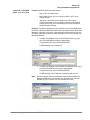
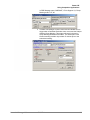
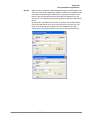
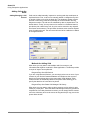
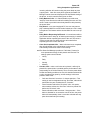
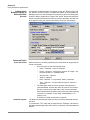
2. In Strata Call Manager create a User Defined Action using the
type Send DDE Msg and name it appropriately.
In App Name|Topic enter: MSGPOP|SYSTEM
126
TOSHIBA
Strata Call Manager UG