1
Strata CIX
Using Companion Applications
Personal Groups
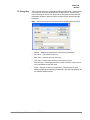
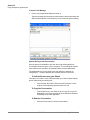
To Add or Change a Personal Group
•
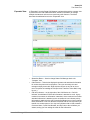
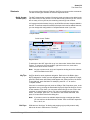
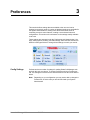
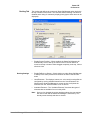
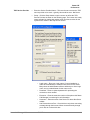
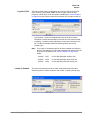
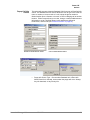
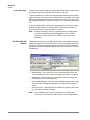
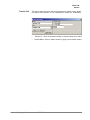
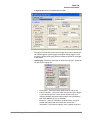
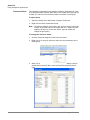
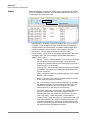
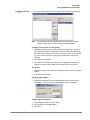
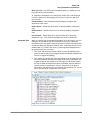
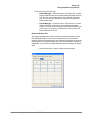
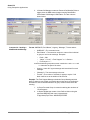
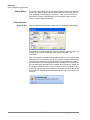
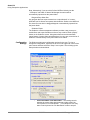
Right click a group name in the Chat window and choose either Add a
New Group or, if offered, Change this Group to create a personal group.
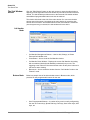
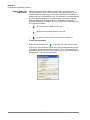
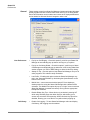
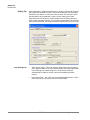
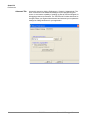
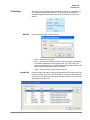
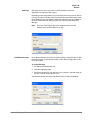
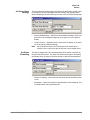
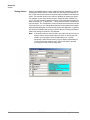
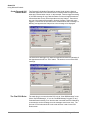
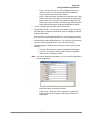
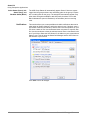
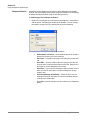
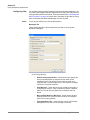
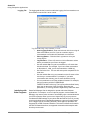
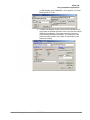
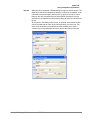
Name the group and add or remove names for that group as follows:
•
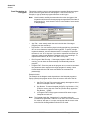
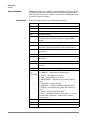
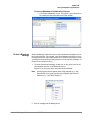
Chat List Name – Enter a name for the group to identify your
group. All names must be unique.
•
Chat Clients in List – To add members to your group, highlight
individuals you want to be part of your group in the All On-Line
Chat Clients box and then click on the left double arrow (<<)
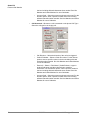
button to move the members to the Chat Clients in List box. To
select multiple individuals, hold down your Ctrl or Shift key while
making selections by clicking the mouse. If you want to add a
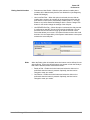
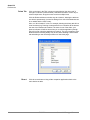
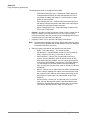
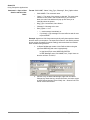
member that is not presently on-line, right-click your mouse in the
"Chat Clients in List" and select the "Add an OFF-line client"
menu item, then type in the name of the client.
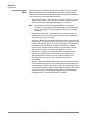
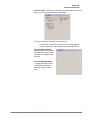
NoteThe name of the client must exactly match the client name when
he/she is on-line. To remove members from your group simply
highlight the members and then click on the right double arrow
key (>>).
•
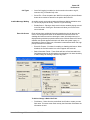
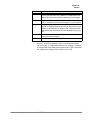
Click on Save when done.
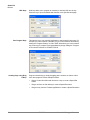
To Copy a Group to Create a New Group
•
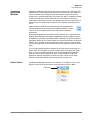
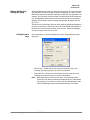
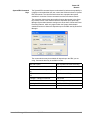
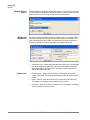
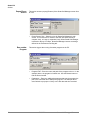
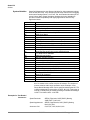
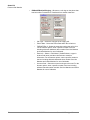
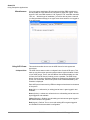
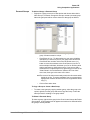
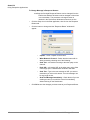
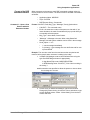
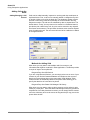
To create a new group by copying another group, select the group to be
copied, right-click on the group and select Copy this Group. Follow the
same process for creating a new group above.
To Delete A Personal Group
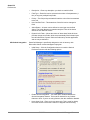
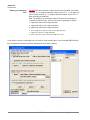
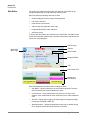
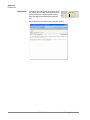
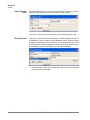
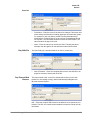
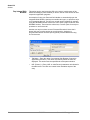
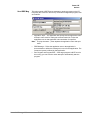
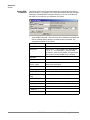
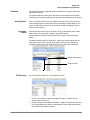
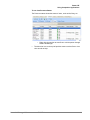
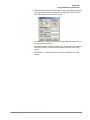
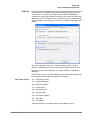
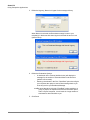
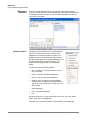
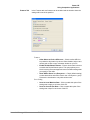
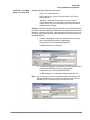
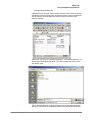
To delete a group, right-click the group in the Chat List and choose the Delete
Group option. A confirmation box will appear and needs to be affirmed before
the group is actually deleted.
Strata Call Manager UG
TOSHIBA
115