1
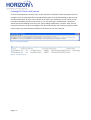
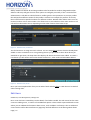
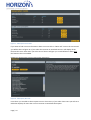
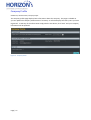
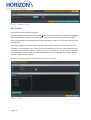
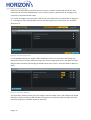
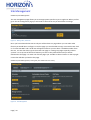
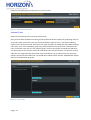
Dashboard / Administrator/ Premium Subscription Information/ Premium Users
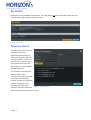
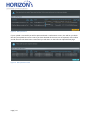
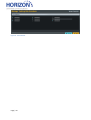
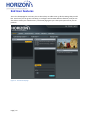
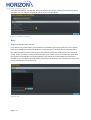
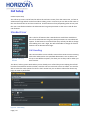
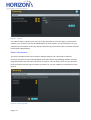
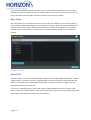
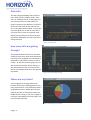
Figure 29 - Show Users
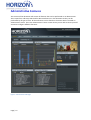
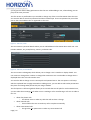
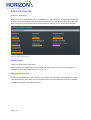
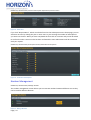
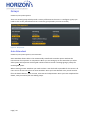
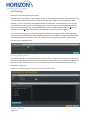
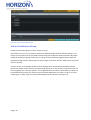
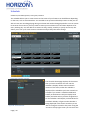
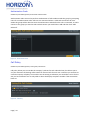
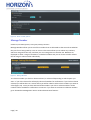
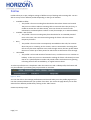
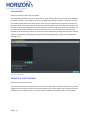
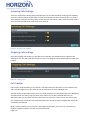
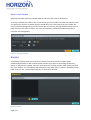
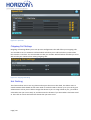
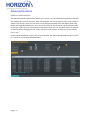
If you click “Request More”, which can also be found on the subscription centre home page, you can
add more services by clicking the plus or minus icons or just entering the number of subscriptions
you want into the box. When you have completed the form click on continue and you will be asked
to confirm the order. Once an order has been confirmed the main administrator will be contacted
with your request.
Dashboard / Administrator/ Subscription Centre/Order More Subscriptions
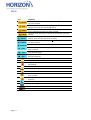
Figure 30 - Order More Subscriptions
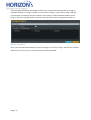
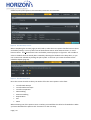
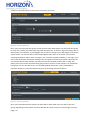
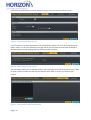
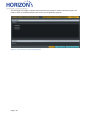
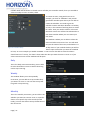
Number Management
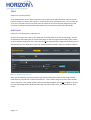
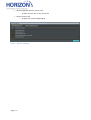
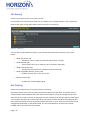
Dashboard / Administrator/ Manage Number
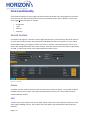
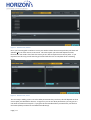
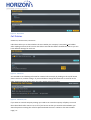
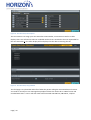
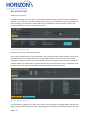
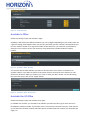
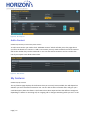
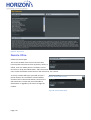
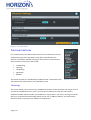
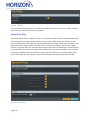
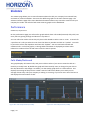
The number management section allows you to move DDI numbers between different sites so they
can be used for different features.
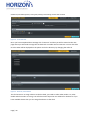
Figure 31 - Manage Numbers
Page | 24