1
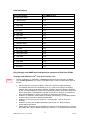
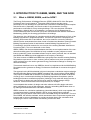
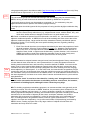
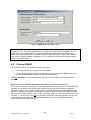
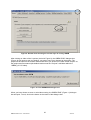
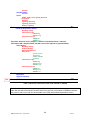
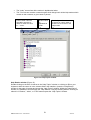
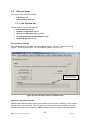
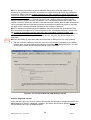
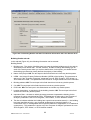
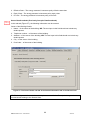
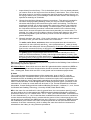
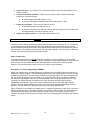
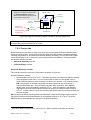
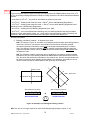
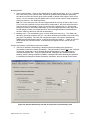
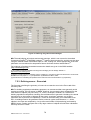
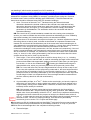
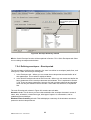
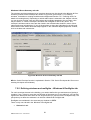
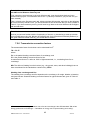
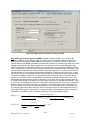
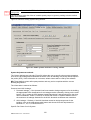
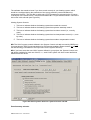
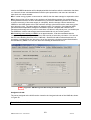
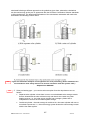
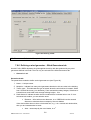
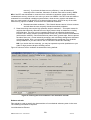
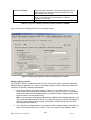
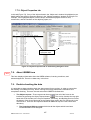
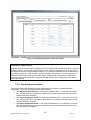
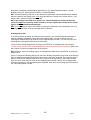
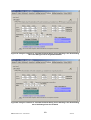
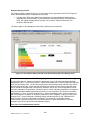
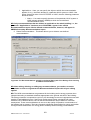
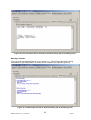
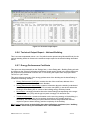
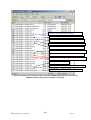
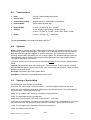
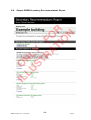
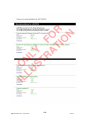
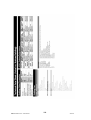
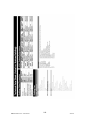
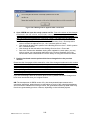
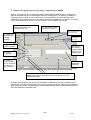
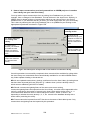
Figure 56: Defining a HWS in the General sub-tab
NEW
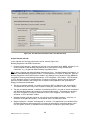
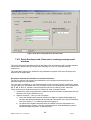
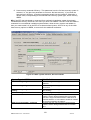
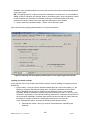
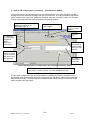
Storage & Secondary Circulation sub-tab:
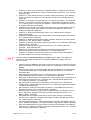
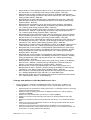
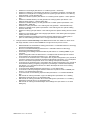
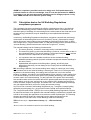
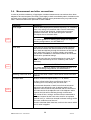
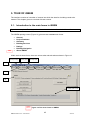
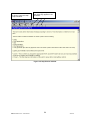
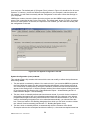
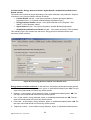
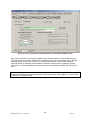
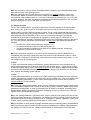
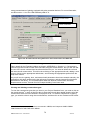
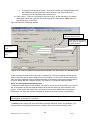
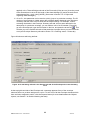
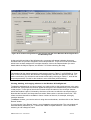
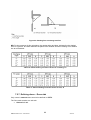
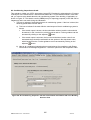
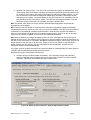
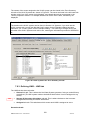
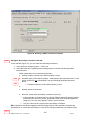
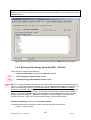
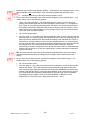
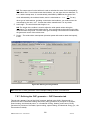
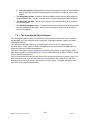
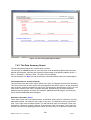
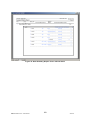
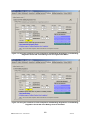
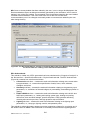
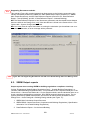
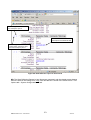
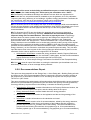
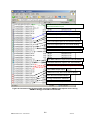
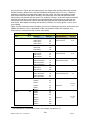
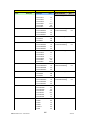
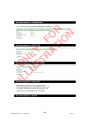
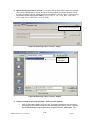
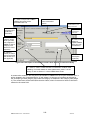
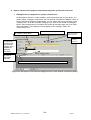
In this sub-tab (Figure 57), you can enter the following information:
1. Is the system a storage system? – Tick if yes.
2. If the above tick box, regarding the a storage system, is ticked, the following fields
become active:
Either (depending on the selected radio button)
a. Storage volume (volume of the HWS cylinder) in litres.
NEW
b. Insulation type (on the HWS cylinder) – selected from the drop-down menu. If the
option selected is not “Uninsulated”, then the following parameter becomes
active:
NEW
i. Insulation thickness (on the HWS cylinder) in mm.
or
c. Storage losses in MJ/month.
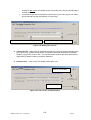
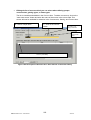
d. Does the system have secondary circulation? (tick box)
i. If the secondary circulation tick box is ticked, default values will be assumed for
heat losses per metre run (W/m), pump power (kW), and secondary pipework
length (m). You can insert specific values if you know them.
ii. Tick box if there is time control on the secondary circulation.
NB: If the above two boxes regarding a HWS storage volume and secondary circulation are
activated but no values are entered by the user for the relevant parameters, the default values
Further
guidance
122
iSBEM version 3.5.a – UK Volume
4Jun10