1
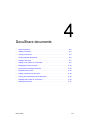
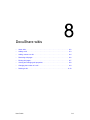
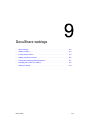
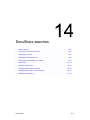
DocuShare weblogs
•
About weblogs . . . . . . . . . . . . . . . . . . . . . . . . . . . . . . . . . . . . . . . . . . . . . . . . . 9–2
•
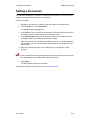
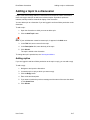
Adding a weblog. . . . . . . . . . . . . . . . . . . . . . . . . . . . . . . . . . . . . . . . . . . . . . . . 9–3
•
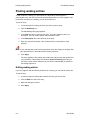
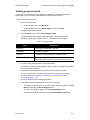
Posting weblog entries . . . . . . . . . . . . . . . . . . . . . . . . . . . . . . . . . . . . . . . . . . . 9–4
•
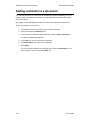
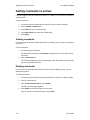
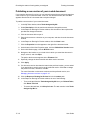
Adding comments to entries. . . . . . . . . . . . . . . . . . . . . . . . . . . . . . . . . . . . . . . 9–6
•
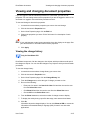
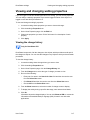
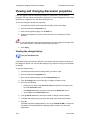
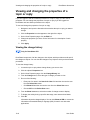
Viewing and changing weblog properties. . . . . . . . . . . . . . . . . . . . . . . . . . . . . 9–7
•
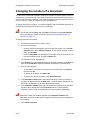
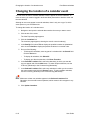
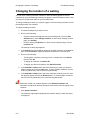
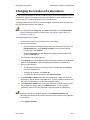
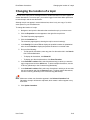
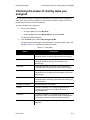
Changing the location of a weblog . . . . . . . . . . . . . . . . . . . . . . . . . . . . . . . . . . 9–8
•
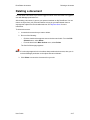
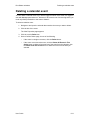
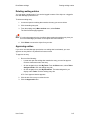
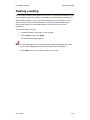
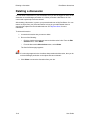
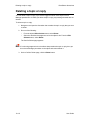
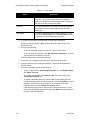
Deleting a weblog. . . . . . . . . . . . . . . . . . . . . . . . . . . . . . . . . . . . . . . . . . . . . . . 9–9
User Guide
9–1