1
DocuShare collections
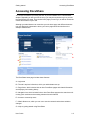
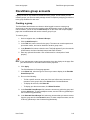
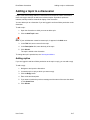
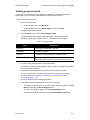
Adding a collection
Adding a collection
You can add a collection to another collection or to a workspace (DocuShare CPX only) if
you are logged in and have Writer permission to the container.
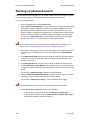
To add a collection:
1. Navigate to and open the container to which you want to add a collection.
2. From the Add menu, select Collection.
The Add Collection page appears.
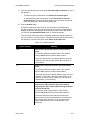
3. In the Title field, enter a name for the collection. The name should be short, but
descriptive, and can contain spaces and punctuation marks.
4. Enter any optional information. Click a field name for a description of each
property.
Note: If your administrator created custom properties, they also display on the page. See
your administrator for information about custom properties.
5. Click Apply.
The collection is added to the container.
To change the collection’s permissions, see Access permissions.
User Guide
3–3