1
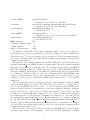
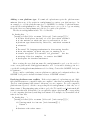
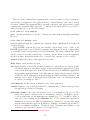
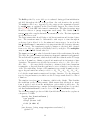
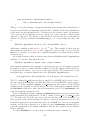
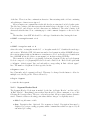
Adding a new platform type If oommf.tcl +platform reports the platform name
unknown, then none of the scripts in config/names/ recognizes your platform type. As
an example, to add the platform name foo to OOMMF’s vocabulary of platform names,
create the file config/names/foo.tcl. The simplest way to proceed is to copy an existing
file in the directory config/names and edit it to recognize your platform.
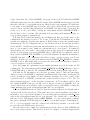
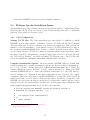
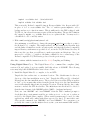
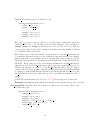
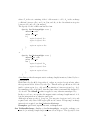
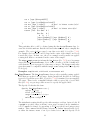
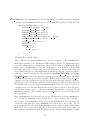
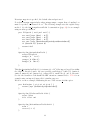
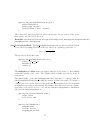
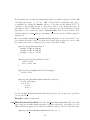
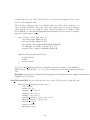
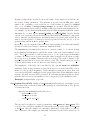
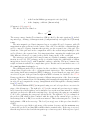
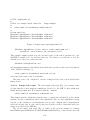
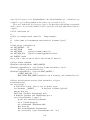
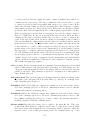
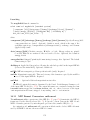
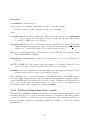
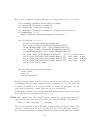
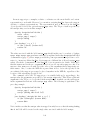
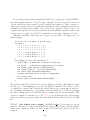
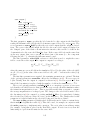
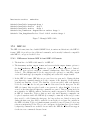
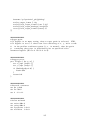
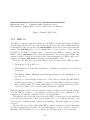
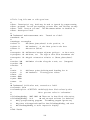
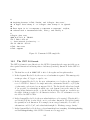
The files in config/names include Tcl code like this:
Oc_Config New _ \
[string tolower [file rootname [file tail [info script]]]] {
# In this block place the body of a Tcl proc which returns 1
# if the machine on which the proc is executed is of the
# platform type identified by this file, and which returns 0
# otherwise.
#
# The usual Tcl language mechanism for discovering details
# about the machine on which the proc is running is to
# consult the global Tcl variable ’tcl_platform’. See the
# existing files for examples, or contact the OOMMF
# developers for further assistance.
}
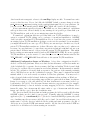
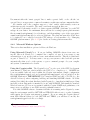
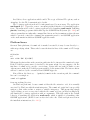
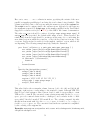
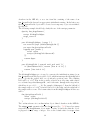
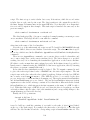
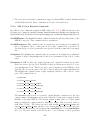
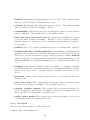
After creating the new platform name file config/names/foo.tcl, you also need to
create a new platform file config/platforms/foo.tcl. A reasonable starting point is to
copy the file config/platforms/unknown.tcl for editing. Contact the OOMMF developers
for assistance.
Please consider contributing your new platform recognition and configuration files to the
OOMMF developers for inclusion in future releases of OOMMF software.
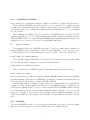
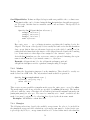
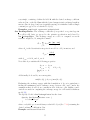
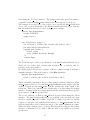
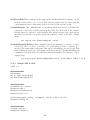
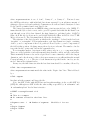
Resolving platform name conflicts If the script oommf.tcl +platform reports “Multiple platform names are compatible with your computer”, then there are multiple files in the
directory config/names/ that return 1 when run on your computer. For each compatible
platform name reported, edit the corresponding file in config/names/ so that only one of
them returns 1. Experimenting using tclsh to probe the Tcl variable tcl platform should
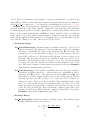
assist you in this task. If that fails, you can explicitly assign a platform type corresponding
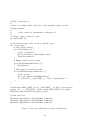
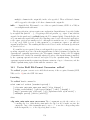
to your computing platform by matching its hostname. For example, if your machine’s host
name is foo.bar.net:
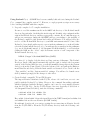
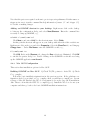
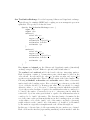
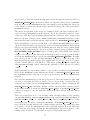
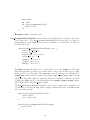
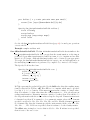
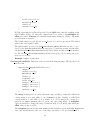
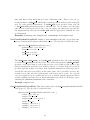
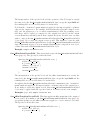
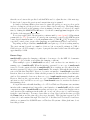
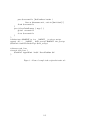
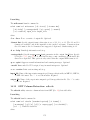
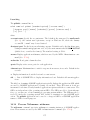
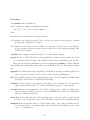
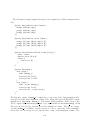
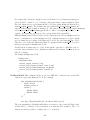
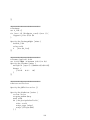
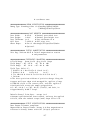
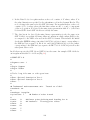
Oc_Config New _ \
[string tolower [file rootname [file tail [info script]]]] {
if {[string match foo.bar.net [info hostname]]} {
return 1
}
# Continue with other tests...
}
14