1
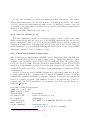
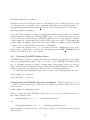
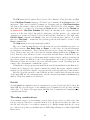
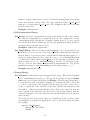
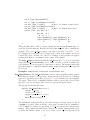
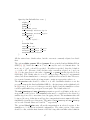
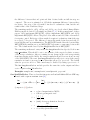
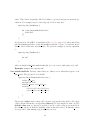
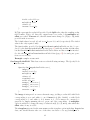
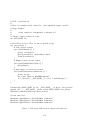
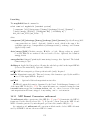
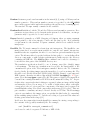
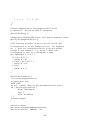
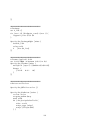
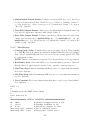
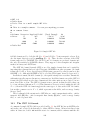
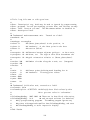
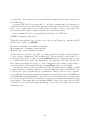
}
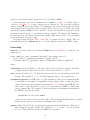
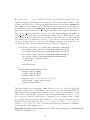
cellsize { 5e-9 5e-9 5e-9 }
}
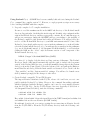
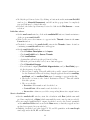
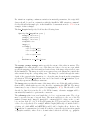
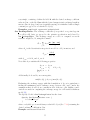
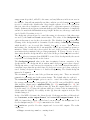
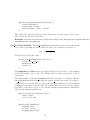
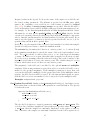
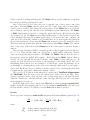
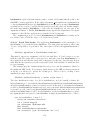
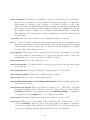
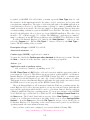
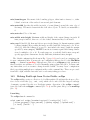
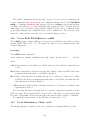
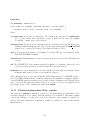
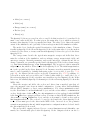
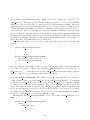
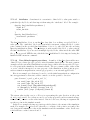
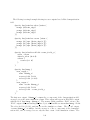
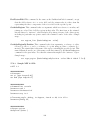
In place of the name of an external atlas object, a two item list is provided consisting of
the type of object (here Oxs BoxAtlas) and the corresponding initialization string. The
initialization string is provided as a sublist, with the same format that would be used if that
object were initialized via a separate Specify block.
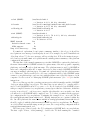
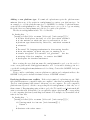
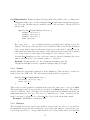
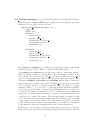
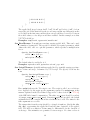
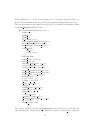
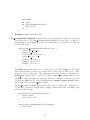
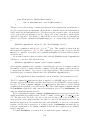
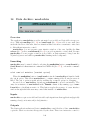
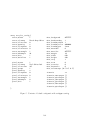
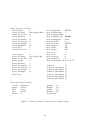
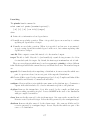
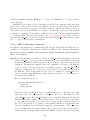
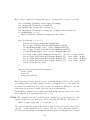
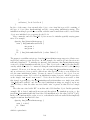
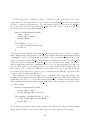
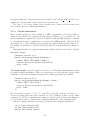
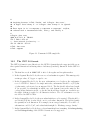
More commonly, embedded Oxs Ext objects are used to initialize spatially varying quantities. For example,
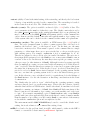
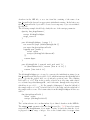
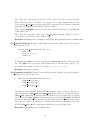
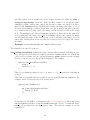
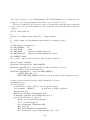
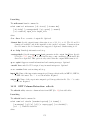
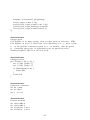
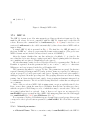
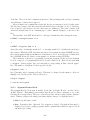
Specify Oxs_UniaxialAnisotropy {
axis { Oxs_RandomVectorField {
min_norm 1
max_norm 1
}}
K1 { Oxs_UniformScalarField { value 530e3 } }
}
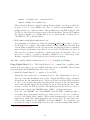
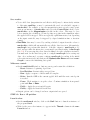
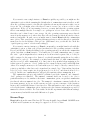
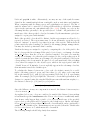
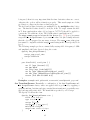
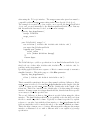
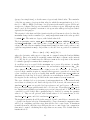
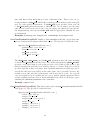
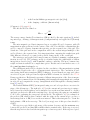
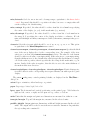
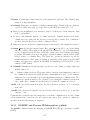
The magneto-crystalline anisotropy class Oxs UniaxialAnisotropy supports cellwise varying K1 and anisotropy axis directions. In this example, the anisotropy axis directions are
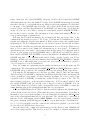
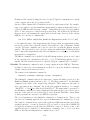
randomly distributed. To initialize its internal data structure, Oxs UniaxialAnisotropy
creates a local Oxs RandomVectorField object. This object is also a child of the Oxs Ext hierarchy, which allows it to be constructed using the same machinery invoked by the Specify
command. However, it is known only to the enclosing Oxs UniaxialAnisotropy object,
and no references to it are possible, either from other Specify blocks or even elsewhere inside the same initialization string. Because it cannot be referenced, the object does not
need an instance name. It does need an initialization string, however, which is given here
as the 4-tuple “min norm 1 max norm 1”. Notice how the curly braces are nested so that
this 4-tuple is presented to the Oxs RandomVectorField initializer as a single item, while
“Oxs RandomVectorField” and the associated initialization string are wrapped up in another Tcl list, so that the value associated with “axis” is parsed at that level as a single
item.
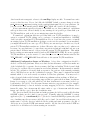
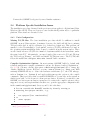
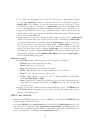
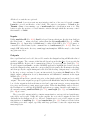
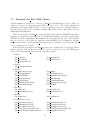
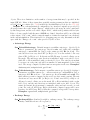
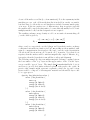
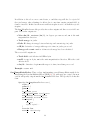
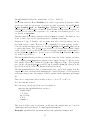
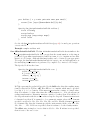
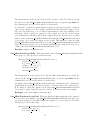
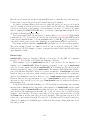
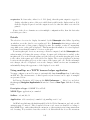
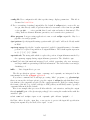
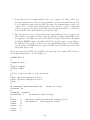
The value associated with “K1” is another embedded Oxs Ext object. In this particular
example, K1 is desired uniform (homogeneous) throughout the simulation region, so the
trivial Oxs UniformScalarField class is used for initialization (to the value 530×103 J/m3 ).
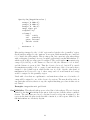
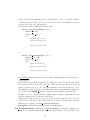
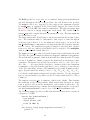
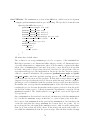
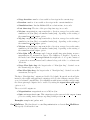
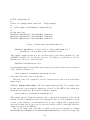
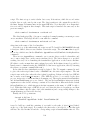
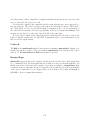
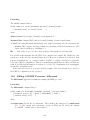
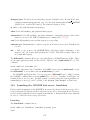
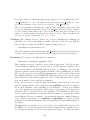
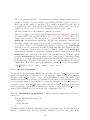
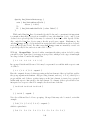
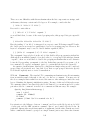
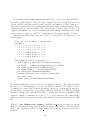
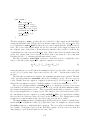
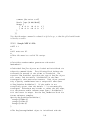
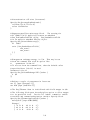
In the case of uniform fields, scalar or vector, a shorthand notation is available that implicitly
supplies a uniform Oxs Ext field class:
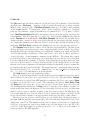
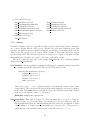
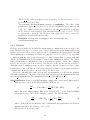
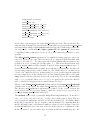
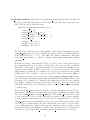
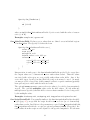
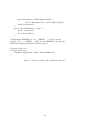
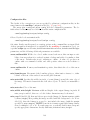
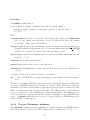
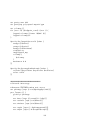
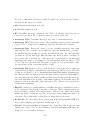
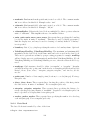
Specify Oxs_UniaxialAnisotropy {
axis { 1 0 0 }
K1 530e3
}
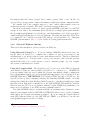
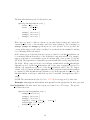
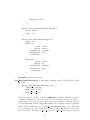
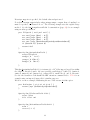
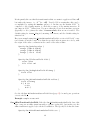
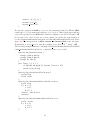
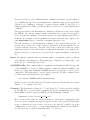
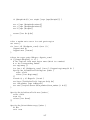
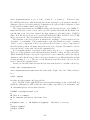
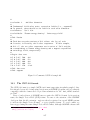
which is equivalent to
189