1
Section 1. How to build, edit and test run a flowchart
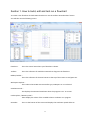
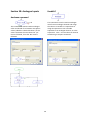
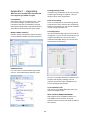
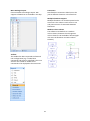
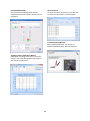
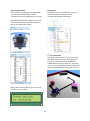
To create a new flowchart click File>New Flowchart or use the toolbar ‘New Flowchart’ button.
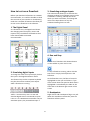
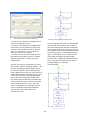
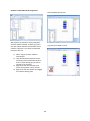
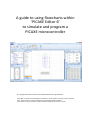
You will then see the following screen:
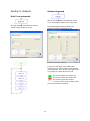
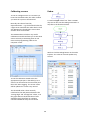
Flowchart -
This is the central area where your flowchart is drawn.
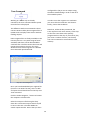
Toolbox -
This is the collection of available commands to drag onto the flowchart
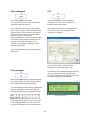
Ribbon/Toolbar –
This is the collection of shortcut buttons at the top of the screen to save/paste etc.
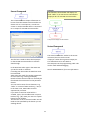
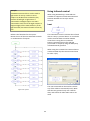
Workspace Explorer This is where the PICAXE microcontroller type, COM port etc. are selected
Simulation Panel –
This displays the animated simulation when the program is run ‘on-screen’
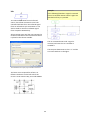
Code Explorer / Memory Panel –
These display the values of the variables when a simulation is in progress
Statusbar -
This is at the bottom of the screen and displays the simulation speed slider etc.
3