1
Chapter 7: Loans
Chapter 7: Loans
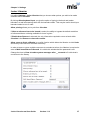
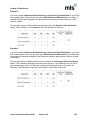
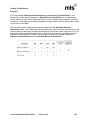
This chapter explains how to manage and view your loans.
The Current Loans section tells you how to view your current loans and how to return and
renew them from the current loans screen.
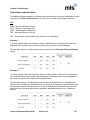
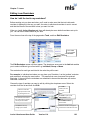
The Editing Loan Reminders section tells you how to change the text and layout within each of
your reminder types.
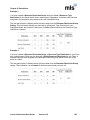
The Sending Loan Reminders section explains how reminders work, how to send out loan
reminders to your borrowers using various methods and how to schedule a time for your
reminders to be sent out automatically.
The Past Loans section tells you how to view both your current and past loans and how to
delete any past loans data you no longer need.
Current Loans
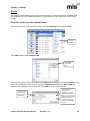
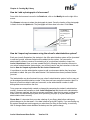
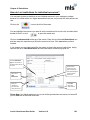
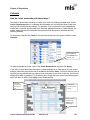
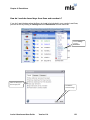
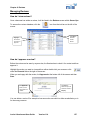
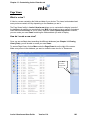
How do I view all current loans?
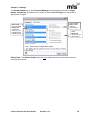
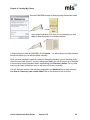
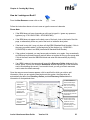
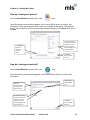
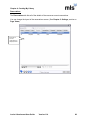
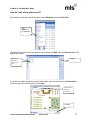
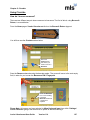
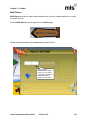
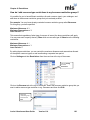
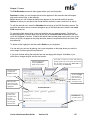
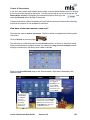
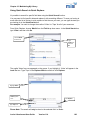
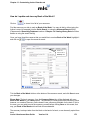
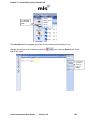
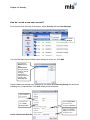
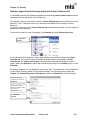
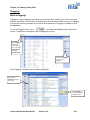
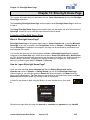
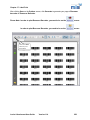
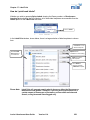
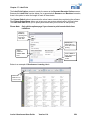
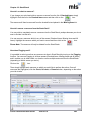
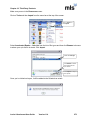
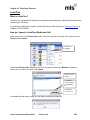
To view the full list of current loans, click on the
the screen.
icon from the tool bar on the left of
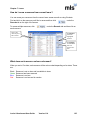
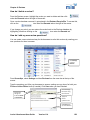
How do I return resources from current loans?
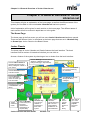
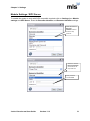
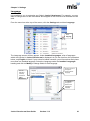
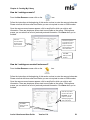
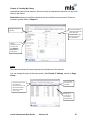
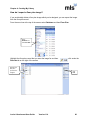
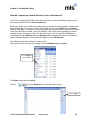
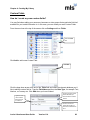
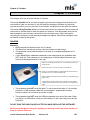
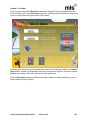
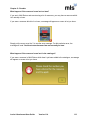
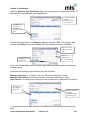
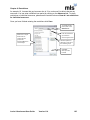
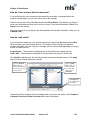
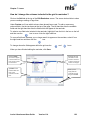
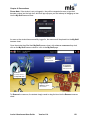
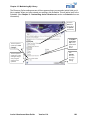
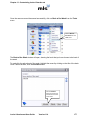
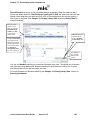
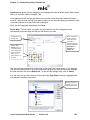
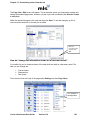
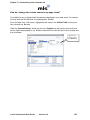
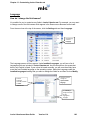
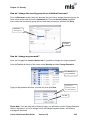
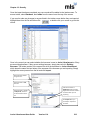
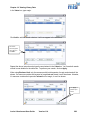
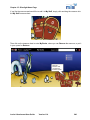
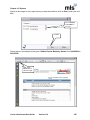
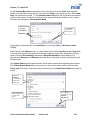
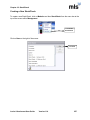
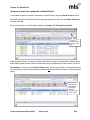
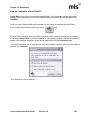
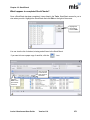
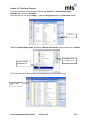
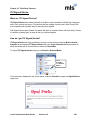
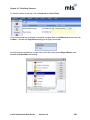
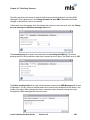
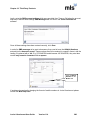
As well as using Circulate, you can also return a resource from the Current Loans screen.
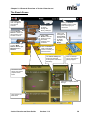
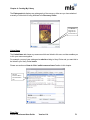
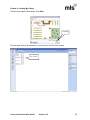
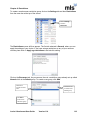
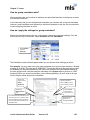
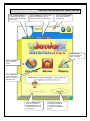
Find and click on the loan you‟d like to return, and then click
tab on the right of the screen.
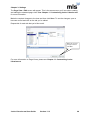
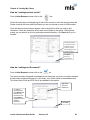
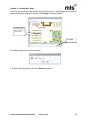
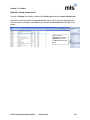
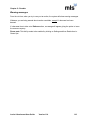
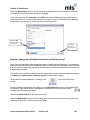
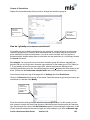
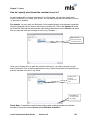
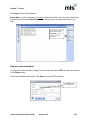
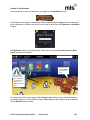
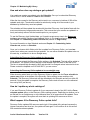
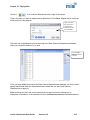
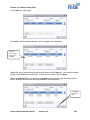
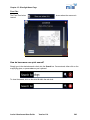
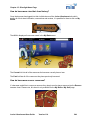
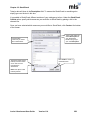
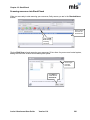
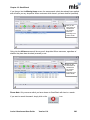
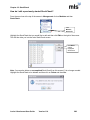
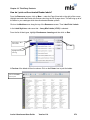
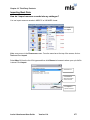
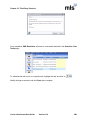
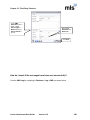
To return multiple resources, click
resource.
under the Records
under the Records tab and click on each
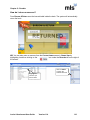
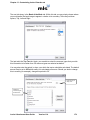
Once you‟ve highlighted all of the resources you want to return,
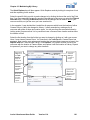
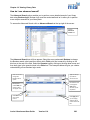
Click on the
resource you’d
like to return
click
Click Return
to return the
highlighted
resource
Click Flagging
to select more
than one
resource at a
time
Junior Librarian.net User Guide
Version 11.4
134