1
Chapter 17: Label Print
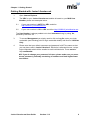
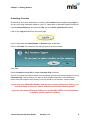
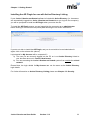
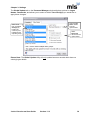
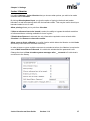
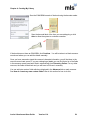
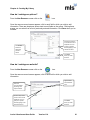
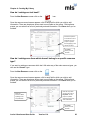
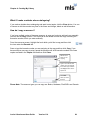
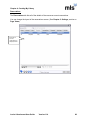
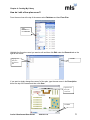
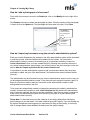
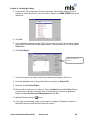
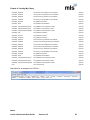
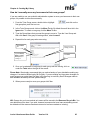
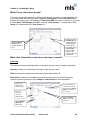
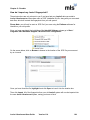
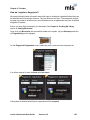
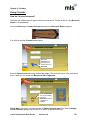
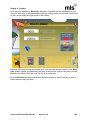
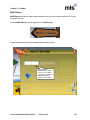
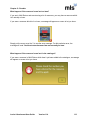
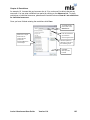
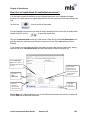
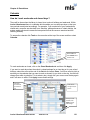
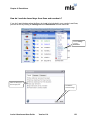
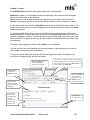
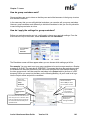
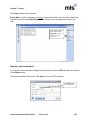
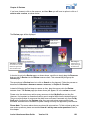
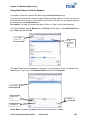
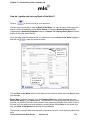
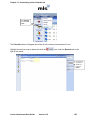
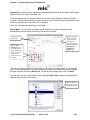
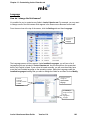
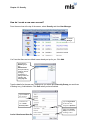
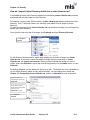
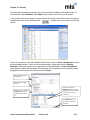
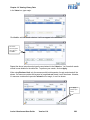
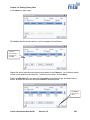
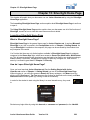
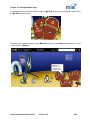
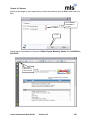
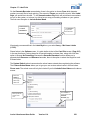
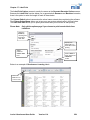
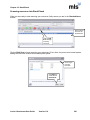
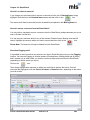
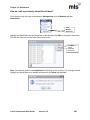
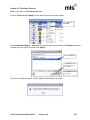
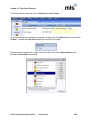
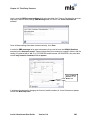
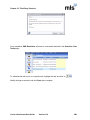
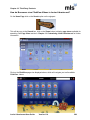
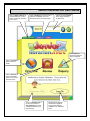
After clicking Save on the Options screen, click Generate to generate your page of Borrower
barcodes or Resource Barcodes.
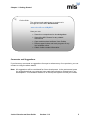
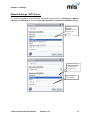
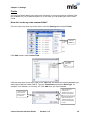
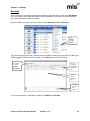
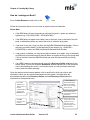
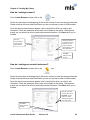
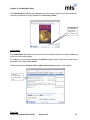
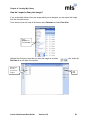
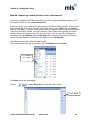
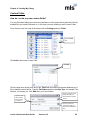
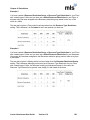
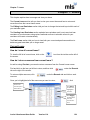
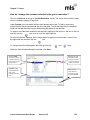
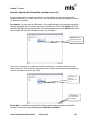
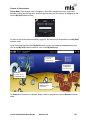
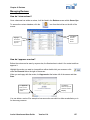
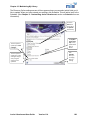
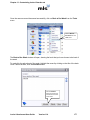
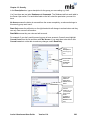
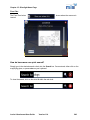
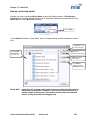
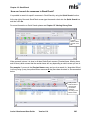
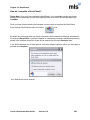
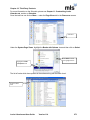
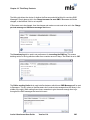
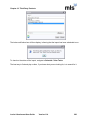
Please Note: In order to print Resource Barcodes, you need to be on the
screen
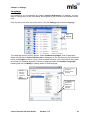
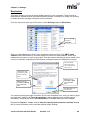
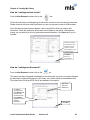
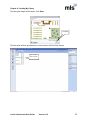
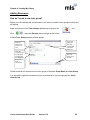
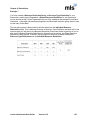
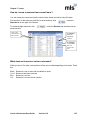
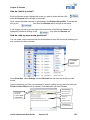
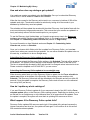
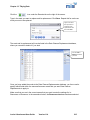
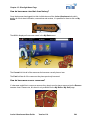
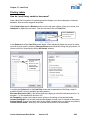
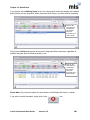
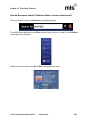
In order to print Borrower Barcodes, you need to be on the
screen
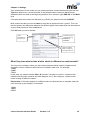
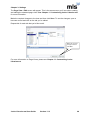
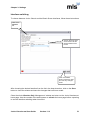
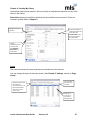
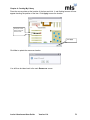
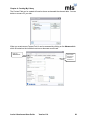
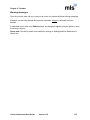
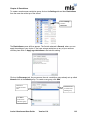
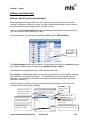
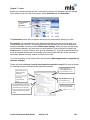
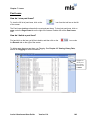
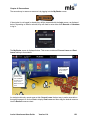
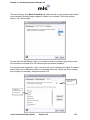
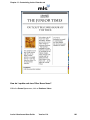
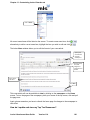
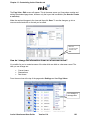
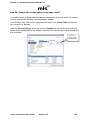
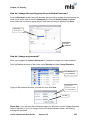
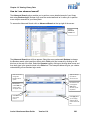
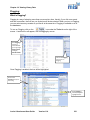
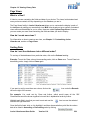
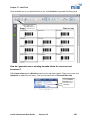
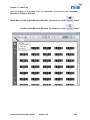
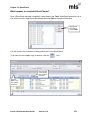
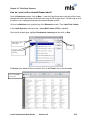
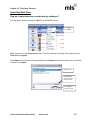
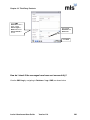
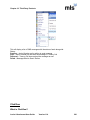
Click on the Print
button to print
these labels
Junior Librarian.net User Guide
Version 11.4
252