1
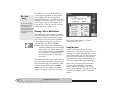
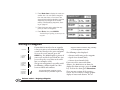
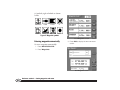
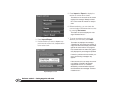
knots, use the keypad to enter the new
speed. Finally, press ENTER to start moving
to the demo cursor location.
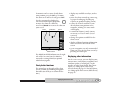
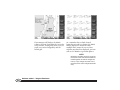
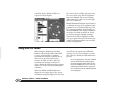
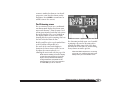
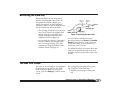
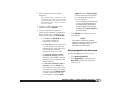
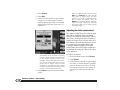
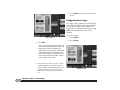
To view the CHART screen while in demo
mode, press Return twice.
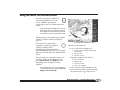
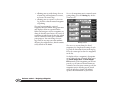
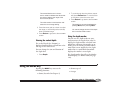
To leave demo mode, go back to the DEMO
CONTROL screen as described above, and
press Exit Demo.
This key returns you directly to the active
CHART screen.
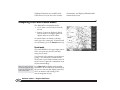
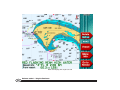
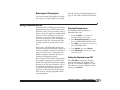
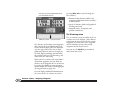
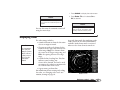
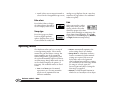
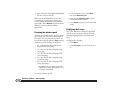
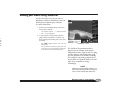
The word Demo always appears on the
right side of the CHART screen when
you’re in demo mode.
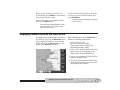
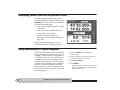
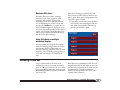
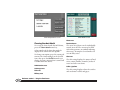
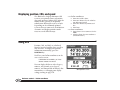
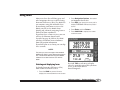
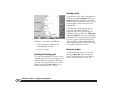
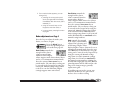
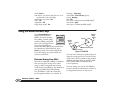
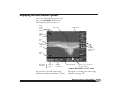
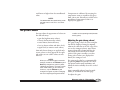
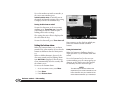
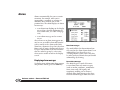
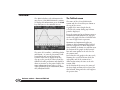
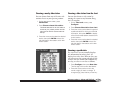
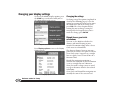
Displaying numeric data on the chart screen
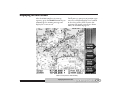
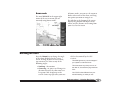
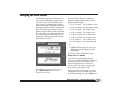
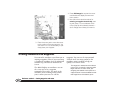
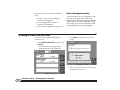
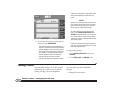
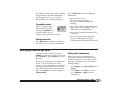
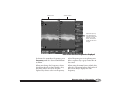
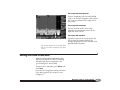
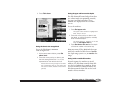
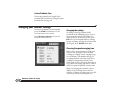
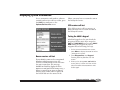
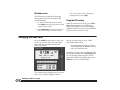
To display numeric information directly on
the chart screen, press the More Info menu
key to display an “info bar” at the bottom
of the screen. (If the More Info key is not
visible, press Vessel to restore it.)
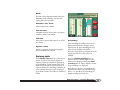
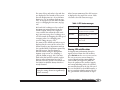
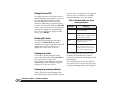
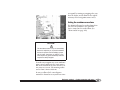
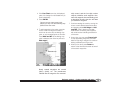
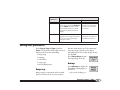
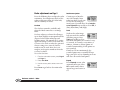
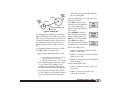
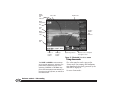
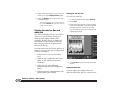
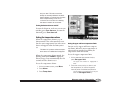
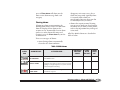
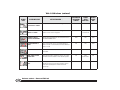
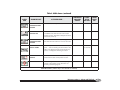
Each additional press of the More Info key
shows the following information:
• your vessel’s present
Speed-Over-Ground (SOG),
Course-Over-Ground (COG), and
(optionally) heading (HDG)
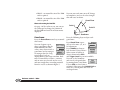
• your vessel’s distance (Dist) and bearing
(Brg) to the current waypoint, if any,
along with a cross-track indicator
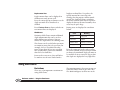
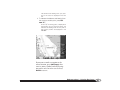
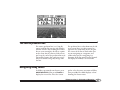
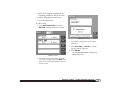
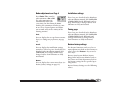
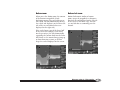
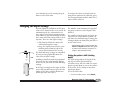
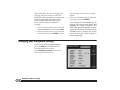
• your vessel’s position in lat/lon (or TDs,
if you’ve enabled loran)
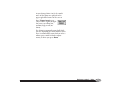
• the Speed-Through-Water (STW), water
depth and temperature, as measured by
the optional echo sounder
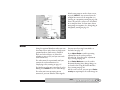
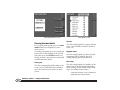
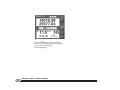
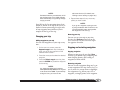
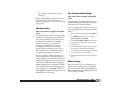
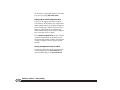
Vessel lat/lon displayed on chart screen
Quickstart Guide Revision D
Displaying numeric data on the chart screen
17