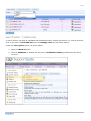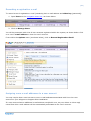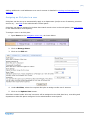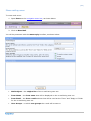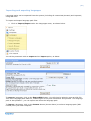
1
[2] About this manual This version of the manual can be used as a guide for many other preceding and proceeding versions of Kayako SupportSuite, LiveResponse and eSupport. However, please note that feature discrepancies may exist between versions. We publish a new and up to date manual upon the release of each stable build. For accuracy, be sure to use the manual(s) bundled with your downloaded SupportSuite, LiveResponse or eSupport package. If you would like to send in a suggestion or report any errors in this manual, please send an e-mail to [email protected] or post in the documentation forum - your input is very much appreciated. Please do not use this address for support. You can obtain further support for any of Kayako‟s products via: Members’ area – https://members.kayako.net Community forums – http://forums.kayako.com Copyright © 2001 – 2009 Kayako www.kayako.com