1
Remove a Table
¨ Remove a table
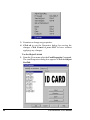
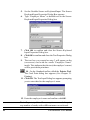
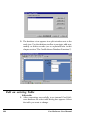
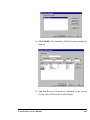
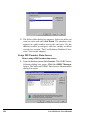
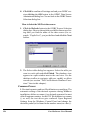
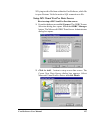
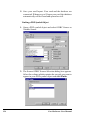
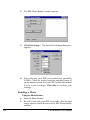
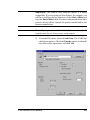
1. After connecting successfully to an internal Card Software database the select table dialog box appears. Select
the table you want to remove.
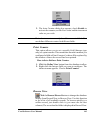
2. Select the table you want to remove and click Remove.
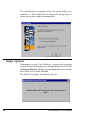
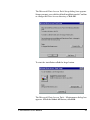
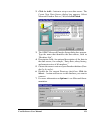
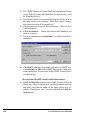
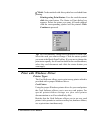
The Card Software prompts you with a warning message.
If you really want to remove permanently the table you
selected confirm by clicking Yes.
Connect to an External Database
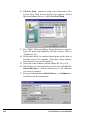
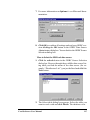
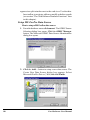
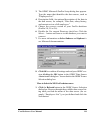
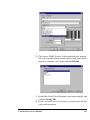
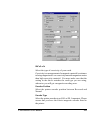
ODBC Source Selection
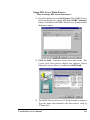
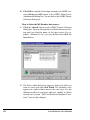
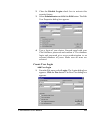
Before you can connect to a database you must define a data
source first (as explained earlier in this chapter in section “Data
Source”). When you connect to a database for the first time,
you will find default data sources listed in the Data Source
Selection dialog box. These sources are set for each of the
installed drivers, defining the default driver settings and the
default database directory, which is c:\windows\system\. To
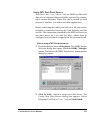
connect to your database you have to setup a new data source
for it first (or edit an existing source). The next sections
explains, driver specific, the ODBC data source setup.
110
Card Software User Manual