1
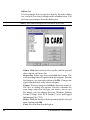
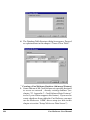
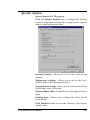
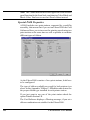
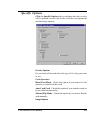
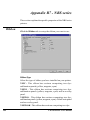
Specific Options
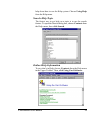
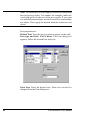
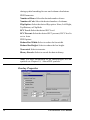
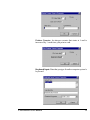
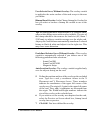
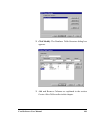
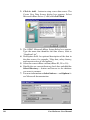
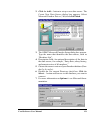
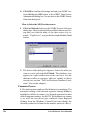
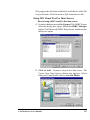
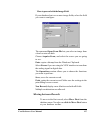
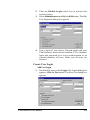
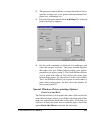
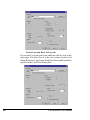
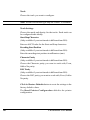
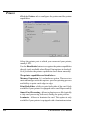
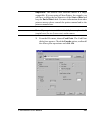
Click the Specific Options tab to configure how the overlay
will be printed on each side of the card, the card operations
and the image options.
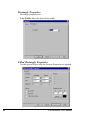
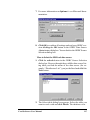
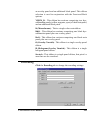
Overlay Options
For each side of the card select the type of Overlay you want
to use.
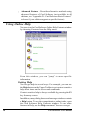
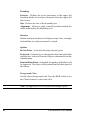
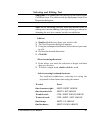
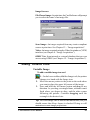
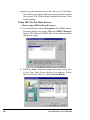
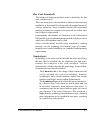
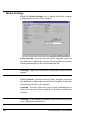
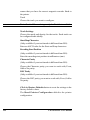
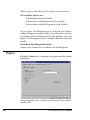
Card Operation
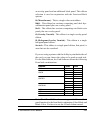
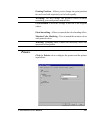
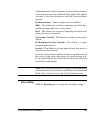
Hand Feed Mode - Check this option if you want to be the
operator to hand feed the cards.
Auto Card Feed - Check this option if you want the cards to
be provided automatically.
Manual Flip Mode - Check this option if you want to flip the
card manually.
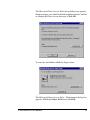
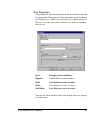
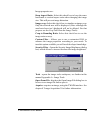
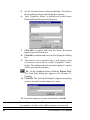
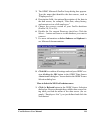
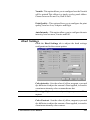
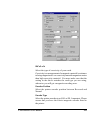
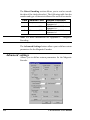
Image Options
Card Software User Manual
255