1
Tools
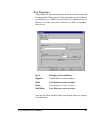
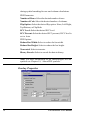
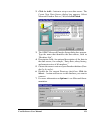
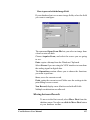
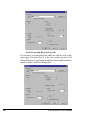
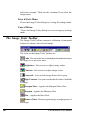
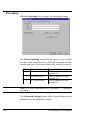
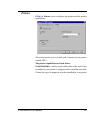
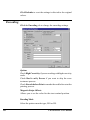
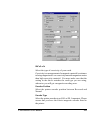
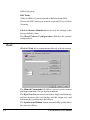
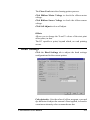
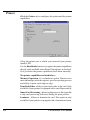
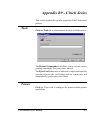
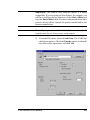
Click the Tools tab to communicate directly with the printer.
The Manual Commands field allows you to execute various
printing commands. See your printer manual.
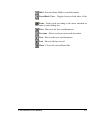
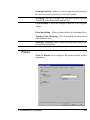
The Eject Card button moves and exits a single card from any
position between the card feeder and the output tray and
automatically synchronizes the ribbon.
The Synchronize Ribbon button automatically synchronizes
the selected ribbon.
The Clean Card starts the cleaning printer process.
Click Ribbon Motor Voltage to check the ribbon motor
voltage.
Click Ribbon Sensor Voltage to check the ribbon sensor
voltage.
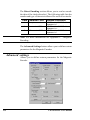
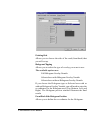
Offsets
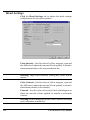
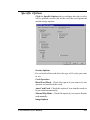
Allows you to change the X and Y values of the start print
offset point, in dots.
The EC specifies a point, beyond which, no card printing
occurs.
Card Software User Manual
263