1
USM02204
Last Updated: July 2005
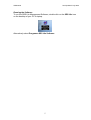
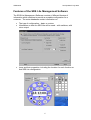
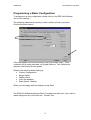
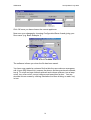
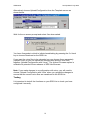
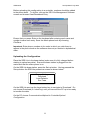
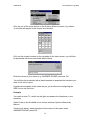
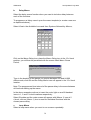
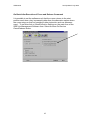
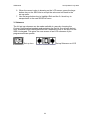
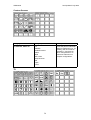
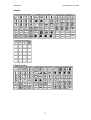
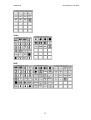
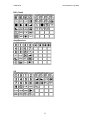
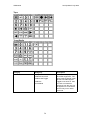
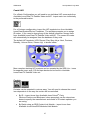
On the Available Icons page, select the image of the TV then click on the
location of the custom template where you wish the TV functions to appear.
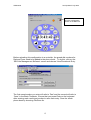
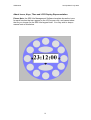
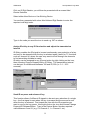
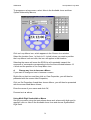
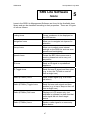
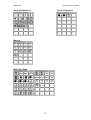
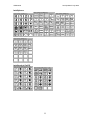
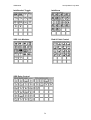
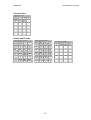
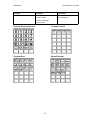
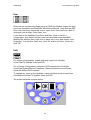
The software asks if you wish to use a pre-configured template of TV
functions (there are 4 to choose from).
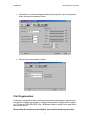
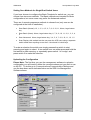
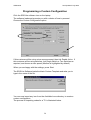
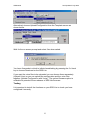
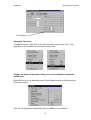
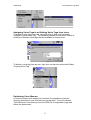
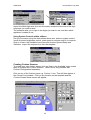
As described with the Basic Configuration, use the drop-down boxes when
prompted by the software to choose the manufacturer and model of the TV.
Click OK once you have chosen the correct make and model of appliance.
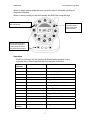
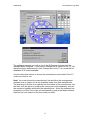
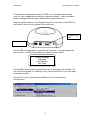
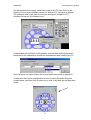
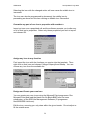
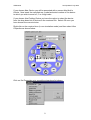
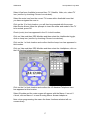
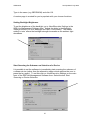
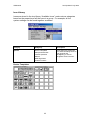
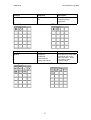
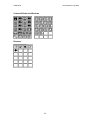
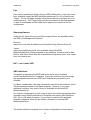
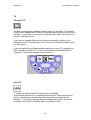
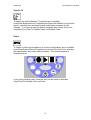
To see how the Custom configuration works, choose Simulation from the
screen below, and then click on each key in turn to see how the configuration
works.
21