1
USM02204
Last Updated: July 2005
Alarms
Nurse-link
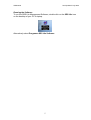
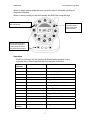
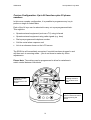
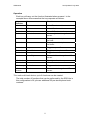
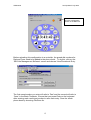
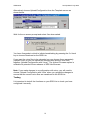
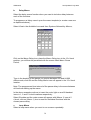
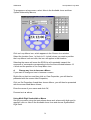
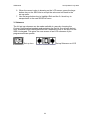
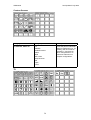
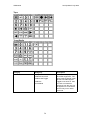
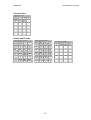
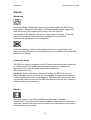
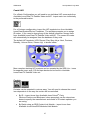
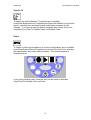
The default Basic configuration assumes the Alarm used is an SRS NurseLink module. Selection of the Alarm (LCD icon pictured above) triggers the
SRS Nurse-Link which requires the nurse to turn the siren off.
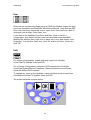
It is possible to provide the user with an ‘Alarm cancel’ function. To do this,
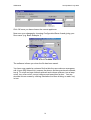
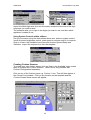
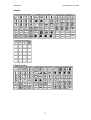
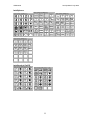
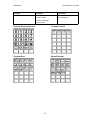
import the Nurse-call Cancel icon from Available Icons/View/SRS
Modules/Link Module into your configuration.
If you are creating a custom configuration and wish to use the Nurse-call
Alarm and Cancel functions, then import these from Available Icons/View/SRS
Modules/Link Module
Community Alarm
The SRS Lite can be configured to drive Tunstall community alarm equipment
at 173MHz and BT infra-red community alarm equipment. Choose the
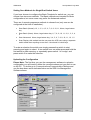
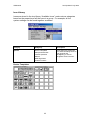
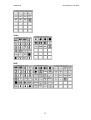
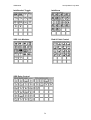
appropriate icons from Available Icons/View/Community
Alarm/(manufacturer).
Important: Please note that at the time of writing, the SRS Lite is not an
approved trigger device (as there are no standards for testing environmental
control equipment in these circumstances). SRS therefore recommends that
a community alarm function on the SRS Lite should not be the only means of
calling for help in an emergency.
Blinds
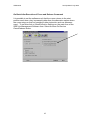
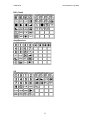
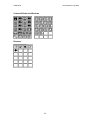
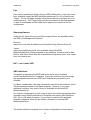
Individual icons to drive Infra-red blinds can be found in Available
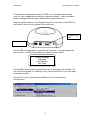
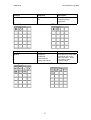
Icons/View/3rd Party Devices/Curtains and Blinds. Import the icon and, when
prompted, use the drop-down boxes to specify the manufacturer and model of
blind operator you are using.
62