1
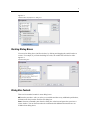
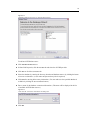
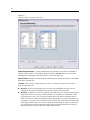
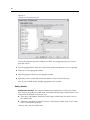
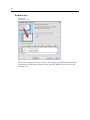
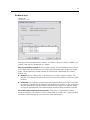
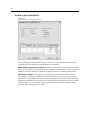
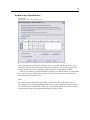
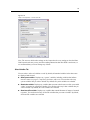
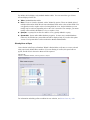
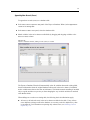
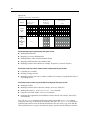
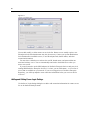
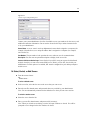
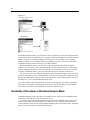
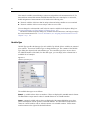
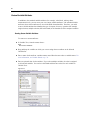
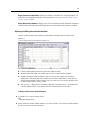
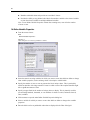
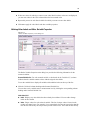
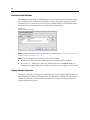
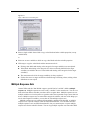
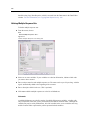
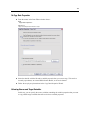
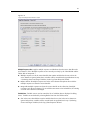
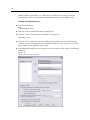
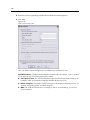
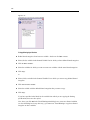
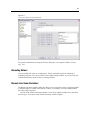
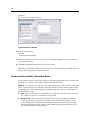
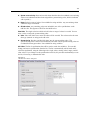
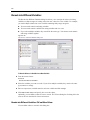
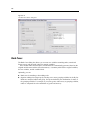
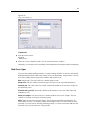
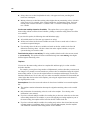
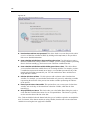
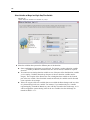
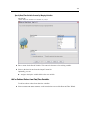
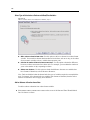
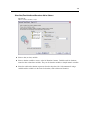
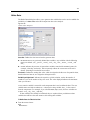
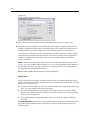
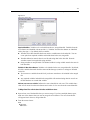
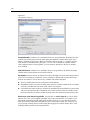
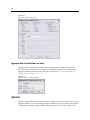
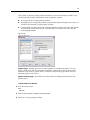
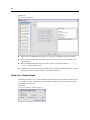
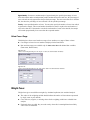
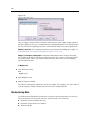
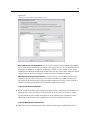
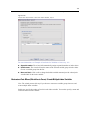
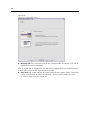
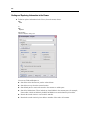
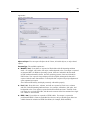
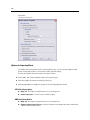
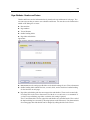
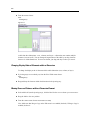
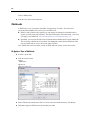
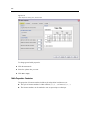
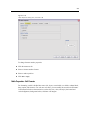
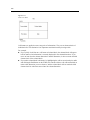
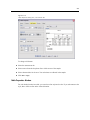
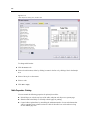
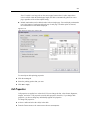
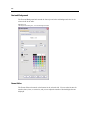
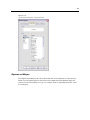
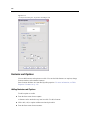
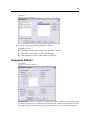
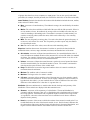
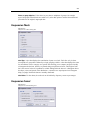
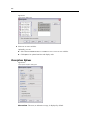
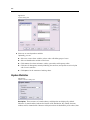
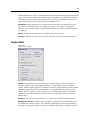
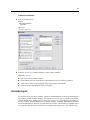
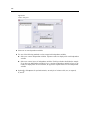
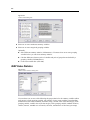
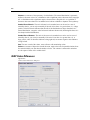
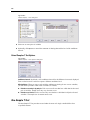
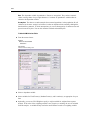
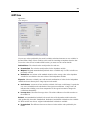
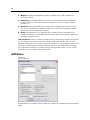
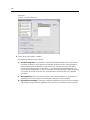
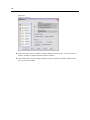
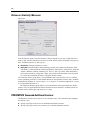
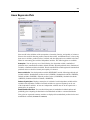
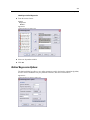
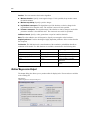
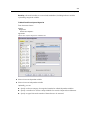
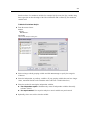
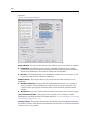
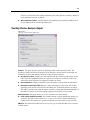
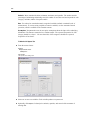
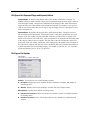
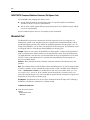
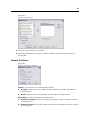
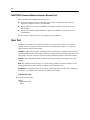
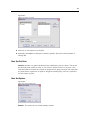
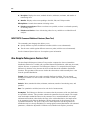
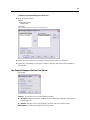
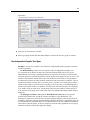
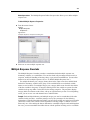
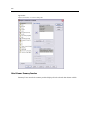
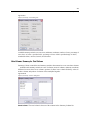
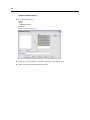
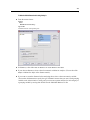
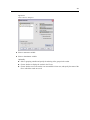
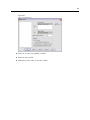
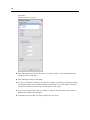
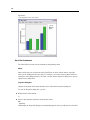
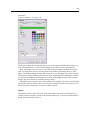
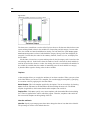
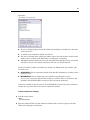
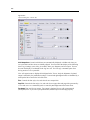
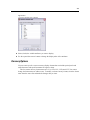
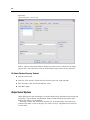
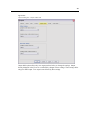
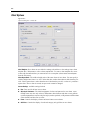
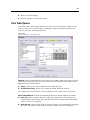
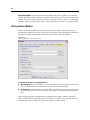
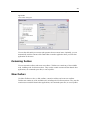
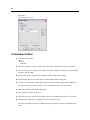
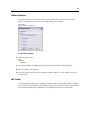
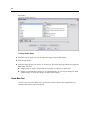
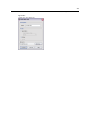
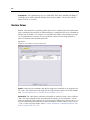
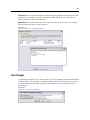
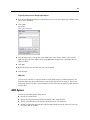
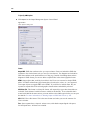
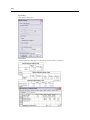
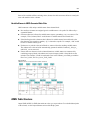
237 Pivot Tables Note: If a table is too long to fit on the current page because there is other output above it, but it will fit within the defined page length, the table is automatically printed on a new page, regardless of the widow/orphan setting. Include continuation text for tables that don’t fit on a single page. You can display continuation text at the bottom of each page and at the top of each page. If neither option is selected, the continuation text will not be displayed. Figure 11-14 Table Properties dialog box, Printing tab To control pivot table printing properties: E Click the Printing tab. E Select the printing options that you want. E Click OK or Apply. Cell Properties Cell properties are applied to a selected cell. You can change the font, value format, alignment, margins, and colors. Cell properties override table properties; therefore, if you change table properties, you do not change any individually applied cell properties. To change cell properties: E Activate a table and select the cell(s) in the table. E From the Format menu or the context menu choose Cell Properties.