1
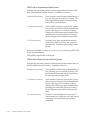
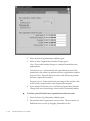
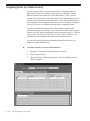
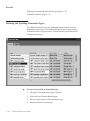
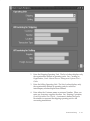
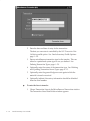
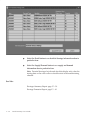
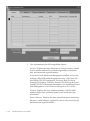
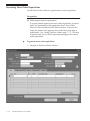
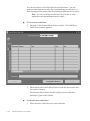
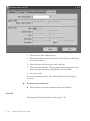
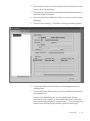
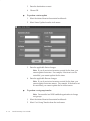
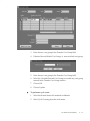
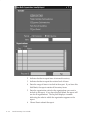
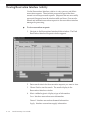
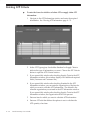
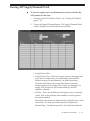
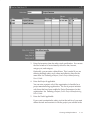
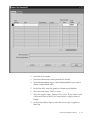
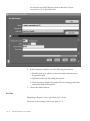
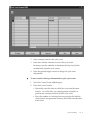
– View the results of the ATP calculation. See: Viewing ATP
Results: page 8 – 58
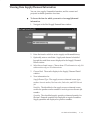
– View the results of the Supply Chain ATP calculation. See:
Viewing Supply Chain ATP Results: page 8 – 56
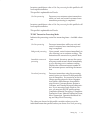
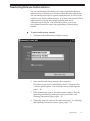
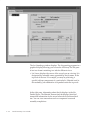
If you use Oracle Order Management, you can check ATP
entering or scheduling orders.
If you use Oracle Work in Process, you can view ATP and
material availability in the ATP Results window. See:
Viewing ATP Material Availability for Discrete Jobs, Oracle
Work in Process User’s Guide.
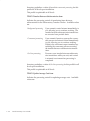
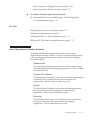
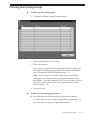
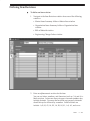
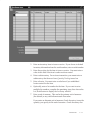
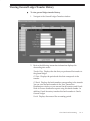
– View ATP by period. This option displays the supply,
demand, and ATP quantities for all periods. See: Viewing
ATP by Period Detail: page 8 – 62.
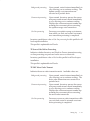
– View ATP supply and demand detail. This displays the
supply and demand sources used in the ATP calculation,
such as open purchase orders, WIP jobs, and repetitive build
schedules. See: Viewing ATP Supply/Demand Detail: page
8 – 63.
8–4
Oracle Inventory User’s Guide