1
Formatting
Working with absolute formatting
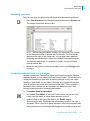
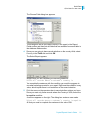
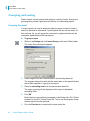
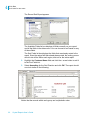
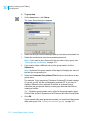
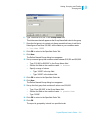
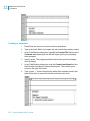
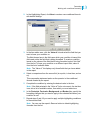
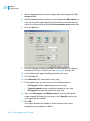
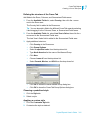
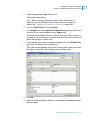
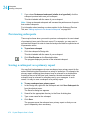
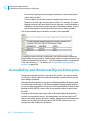
The Format Editor dialog box appears.
3.
Click the Border tab.
4.
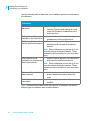
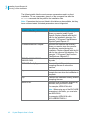
Select the line style, color, and background color of the field.
5.
Click OK to save your changes.
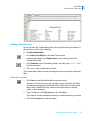
Making a report, section, area, or object read-only
You can make a report, section, area, or object read-only so it can’t be
formatted. When you set this option, choices in the Format Editor become
inactive. The formatting options that are usually available on the toolbars or
shortcut menus are also suppressed for the report or object.
Note: This feature is for your convenience in protecting report formatting; it is
not intended to be used as report security.
u
1.
To make a report read-only
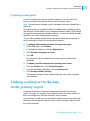
On the File menu, select Report Options.
2.
Select Read-only.
u
1.
To make a section or area read-only
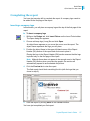
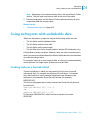
On the Report menu, select Section Expert.
2.
Select the section or area that you want to make read-only.
3.
On the Common tab, select Read-only.
Note: When a section is read-only, you can move it, cut it, and delete it,
but you cannot make changes within the section. When an area is readonly, all sections in the area are read-only; therefore, you cannot insert
another section, nor can you move, cut, or delete an existing section.
u
1.
To make an object read-only
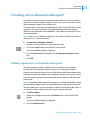
Right-click the object you want to make read-only.
2.
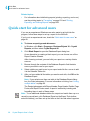
On the shortcut menu, click Format Field.
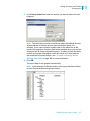
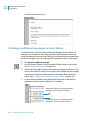
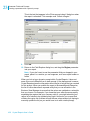
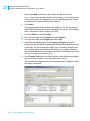
The Format Editor dialog box appears.
3.
On the Common tab, select Read-only.
Note:
•
•
You can also do this by clicking the Lock Format button on the
Formatting toolbar.
When a report object is read-only, you can move it, copy it, cut it,
delete it, browse its data, and select it, but you cannot format it.
Crystal Reports User’s Guide 261
13