1
Cross-Tab Objects
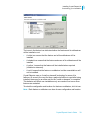
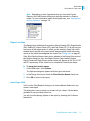
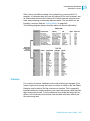
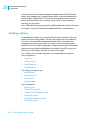
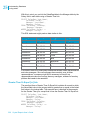
Cross-Tab example
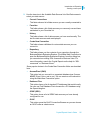
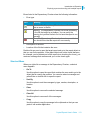
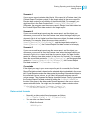
value at the bottom of the “USA” column is four, the total number of
products (gloves, belts and shoes) sold in the USA.
Note: The total column can appear at the top of each column.
•
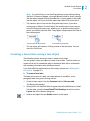
At the intersection of the Totals column (totals for the products) and the
Totals row (totals for the countries) is a grand total. In the example above,
the value at the intersection of the Total Column and Total Row is 12, the
total number of all products sold in all countries.
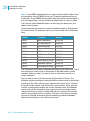
Cross-Tab example
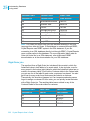
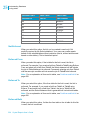
This example demonstrates how you can use a Cross-Tab object to make it
easier to understand complex data. The goal of this report is to analyze the
unit sales of five different bicycle locks in four different regions (a unit sales of
locks by region report). For greater clarity, only the most essential information
in these reports has been included:
•
•
•
The region from which the order came.
The name of the lock.
The quantity ordered.
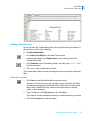
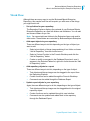
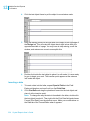
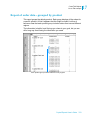
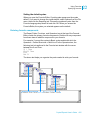
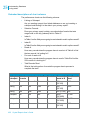
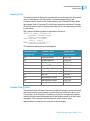
The first way of looking at the data is in the most basic of all reports, a
columnar report with no grouping or sorting.
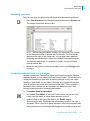
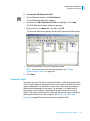
Report of order data—no sorting/grouping
Crystal Reports User’s Guide 331
17