1
Working with reports
Using sections, breaks and sorts
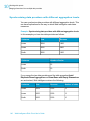
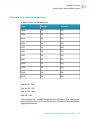
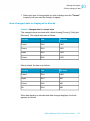
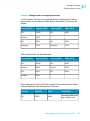
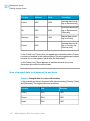
Example:
Using sorts to organize data
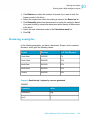
Sorting the results displayed on reports
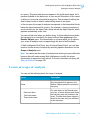
You can apply sorts to the values displayed in tables and sections to organize
the order in which values are displayed in a report.
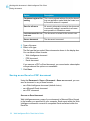
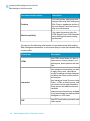
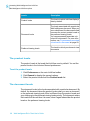
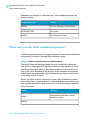
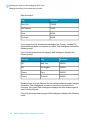
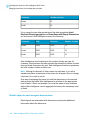
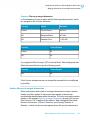
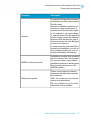
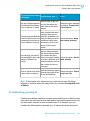
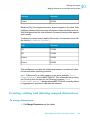
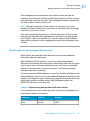
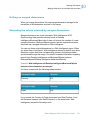
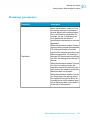
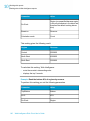
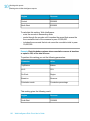
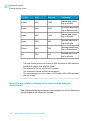
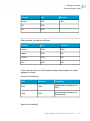
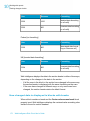
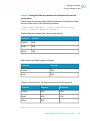
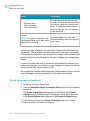
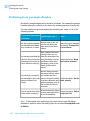
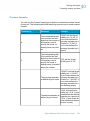
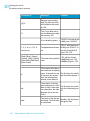
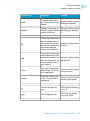
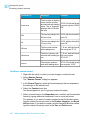
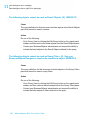
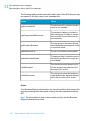
The following sort orders are available:
Sort order
Description
Default
This is sometimes referred to as the
”natural” order. Depending on the type
of data in the column or row, the results
are sorted as follows:
• ascending numeric order for numeric data
• ascending chronological order for
date
• Chronological order for months
• alphabetical order for alphanumeric
data
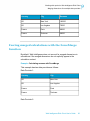
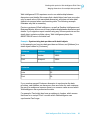
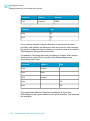
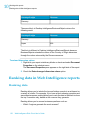
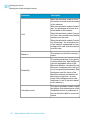
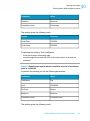
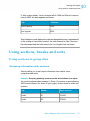
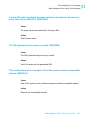
Ascending
When selected, results are arranged
in ascending order: The smallest value
at the top of the column moving to the
highest value at the bottom.
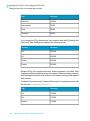
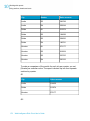
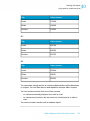
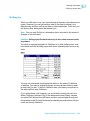
For example: 100, 200, 300 or California, Colorado, Florida.
Web Intelligence Rich Client User's Guide
187
10