1
8
Accessing Web Intelligence from InfoView
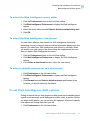
Web Intelligence InfoView options
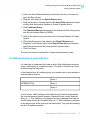
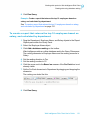
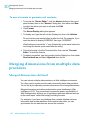
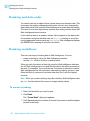
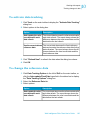
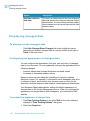
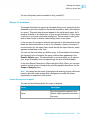
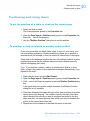
2. Click Web Intelligence Preferences to display the Web Intelligence
options.
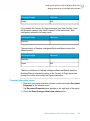
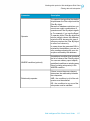
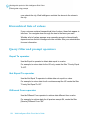
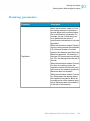
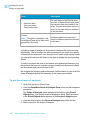
3. Select the drill options under Drill options and Start drill session.
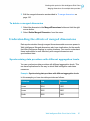
Hide drill toolbar option
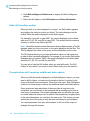
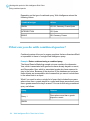
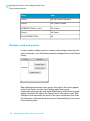
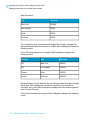
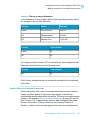
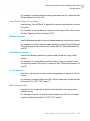
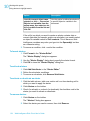
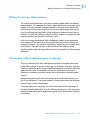
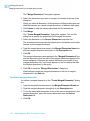
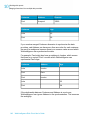
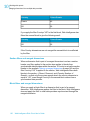
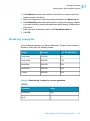
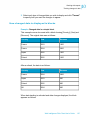
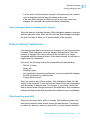
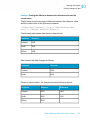
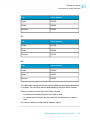
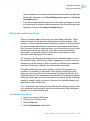
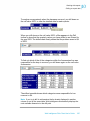
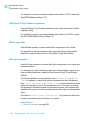
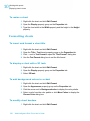
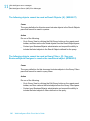
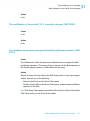
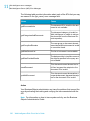
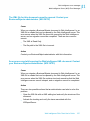
When you drill on a value displayed on a report, the Drill toolbar appears
and displays the value on which you drilled. The value displayed on the
toolbar filters the results displayed on the drilled report.
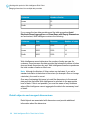
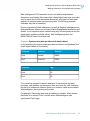
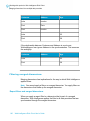
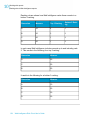
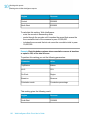
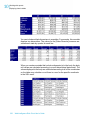
For example, if you drill on year 2001, the results displayed on the drilled
table are Q1, Q2, Q3, and Q4 for year 2001. This means that the quarterly
values you drilled to are filtered by 2001.
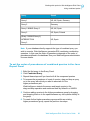
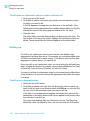
Note: If the drilled report includes dimensions from multiple queries, a ToolTip
appears when you rest your cursor on the value displayed on the filter. The
ToolTip displays the name of the query and the dimension for the value.
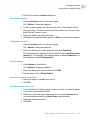
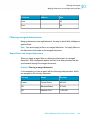
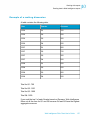
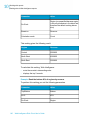
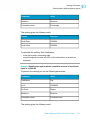
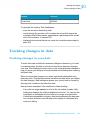
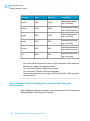
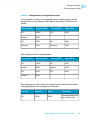
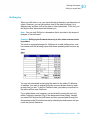
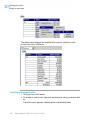
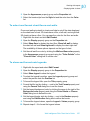
The Drill toolbar allows you to select alternative values on the same level,
in order to filter the results differently. For example, if you use the Drill toolbar
illustrated above to select “2002,” the results displayed on the drilled table
would be Q1, Q2, Q3, and Q4 for year 2002.
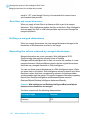
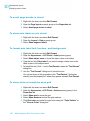
You can opt to hide the Drill toolbar when you start drill mode. The Drill
toolbar is only useful if you want to select filters during your drill session.
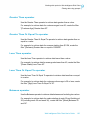
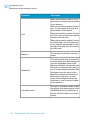
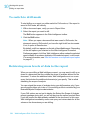
Prompt when drill requires additional data option
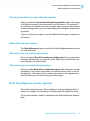
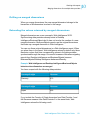
When you drill the results displayed on a Web Intelligence report, you may
want to drill to higher- or lower-level information that isn’t included in the
scope of analysis for the document. When this is the case, Web Intelligence
needs to run a new query to retrieve the additional data from the data source.
Since queries on large selections of data may take a long time to be
completed, you can choose to be prompted with a message every time a
new query is necessary. The prompt message asks you whether you want
to run the additional query or not. In addition, the prompt lets you apply filters
to the extra dimensions you include in the new query. This means you can
restrict the size of the query to only the data necessary for your analysis.
You need permission from your administrator to drill out of the scope of
analysis during a drill session.
66
Web Intelligence Rich Client User's Guide