1
Appendix
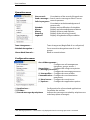
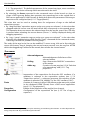
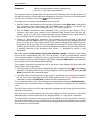
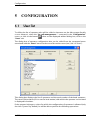
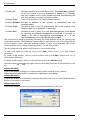
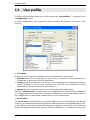
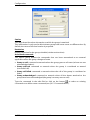
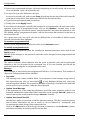
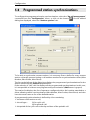
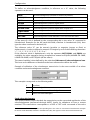
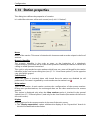
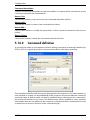
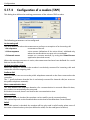
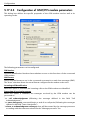
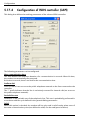
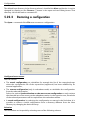
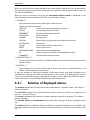
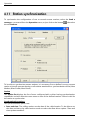
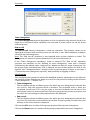
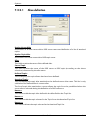
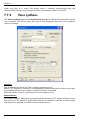
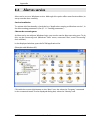
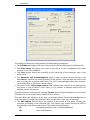
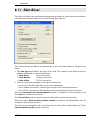
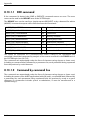
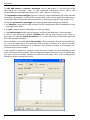
The dialog box allows the configuration of the following parameters:
• The Full Name field gives the name of the sub-driver that will appear in the driver list.
• The Short Name field gives the name of the driver in the configuration file (after
creation, it can’t be modified).
• The Trace option allows the recording in the event log of the messages sent to the
email server.
• The Automatic call acknowledgment option, when checked, avoids having to call
back Alert to confirm the email reception. If this option is not checked, the mail is sent
with a request for a receipt notification. The call is acknowledged when the receipt is
received by Alert or if the user call back Alert.
• The value of the Call attempt number field indicates the number of call attempts for
the driver in case of failure. If the value is 0, le number of attempt will be the one
defined in Alert call options.
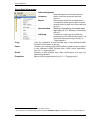
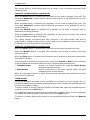
The check boxes concerning the message Format define allow the indication or not of the
friendly name of the sender and recipient in their address.
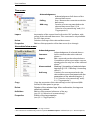
The tabs allow the selection of the type of message (Alarm, Reset Acknowledgment or
User message) to modify the parameters that are specific to each type of message:
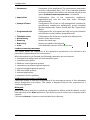
• The Mail subject field contains the subject of the email to use when sending the
message (according to the selected tab). The subject can contain fields that will be
dynamically replaced at sending time. This fields are the following:
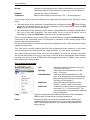
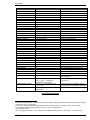
&T
message type (alarm, reset or acknowledgement)
&D
alarm date and time
ALERT
User Guide
8-25