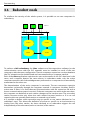
Download ALERT User Guide

Transcript
Appendix
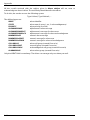
All the e-mails received with the subject given in Alarm subject will set, reset or
acknowledge an alarm in Alert. The mail body should describe the alarm.
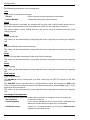
To do this, the sender can use the following syntax:
Type1:Value1; Type2:Value2; …
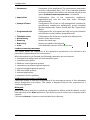
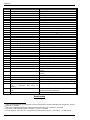
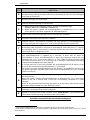
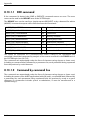
The defined types are:
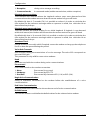
IDENT
STATE
PRIORITY
ALPHAMESSAGE
ALPHAMESSAGERST
ALPHAMESSAGEACK
NUMMESSAGE
NUMMESSAGERST
NUMMESSAGEACK
CALLGROUP
CALLGROUPRST
CALLGROUPACK
ALARMGROUP
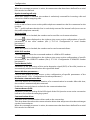
alarm identifier
alarm state (0: reset, 1: set, 2: acknowledgement)
alarm priority (0 to 999)
alphanumeric alarm message
alphanumeric message for alarm reset
alphanumeric message for alarm acknowledgment
numeric alarm message
numeric message for alarm reset
numeric message for alarm acknowledgment
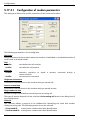
alarm call-group (created if not exist)
reset call-group (created if not exist)
acknowledgment call-group (created if not exist)
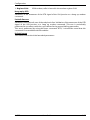
alarm alarm-group (created if not exist)
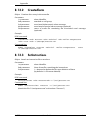
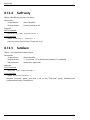
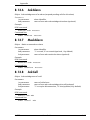
Only the IDENT field is mandatory. The driver can manage only one alarm per mail.
8-28