1
Appendix
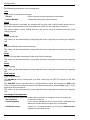
8.13.2
CreateAlarm
Object: Creation of an entry in the event list
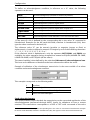
Parameters:
1st parameter
2nd parameter
3rd parameter
4th parameter
5th parameter
alarm identifier
attached on call group
associated alphanumeric alarm message
associated numerical alarm message (optional)
name of audio file containing the associated vocal message
(optional)
Example:
DDE command:
CreateAlarm <Tab> Pressure <Tab> Technical <Tab> Boiler overpressure
<Tab> 00835 <Tab> C:\Message\Pressure.wav
Command line:
ALERT CreateAlarm Pressure Technical “Boiler overpressure”
“C:\Message\Pressure.wav”
8.13.3
00835
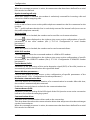
SetInstructions
Object: Attach an instruction file to an alarm
Parameters:
1st parameter
2nd parameter
3rd parameter
alarm identifier
Nom of text file containing the instructions
1 = demand to delete the file upon deletion of alarm
(by default: 0 = file never deleted)
Example:
DDE command:
SetInstructions <Tab> Pressure<Tab> c:\inst\pressure.txt
Command line:
ALERT SetInstructions Pressure "c:\inst\pressure.txt"
(Attach the file "c:\inst\pressure.txt" to the alarm "Pressure")
ALERT
User Guide
8-41