Download ALERT User Guide
Transcript
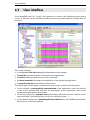
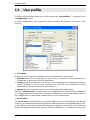
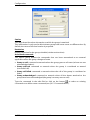
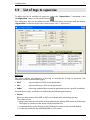
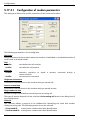
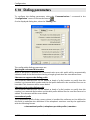
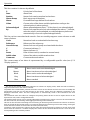
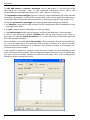
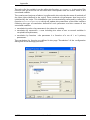
Configuration 5.2 User profiles To define and configure usable user profiles, select the “User profiles…” command in the “Configuration” menu. In initial configuration, this command is only accessible for operators of “System” class (Level 2). • Class Name By default, 3 basic classes are defined, each associated with an access level. ¾ Operation (level 0): the operator has access only to operation of the application (no configuration). He cannot close the application. ¾ Control (level 1): the operator has access to the configuration of exploitation (alarms, on-call schedule,...), but he can't configure the user file nor parameter the basic environment (options, vocal server, ports, drivers,...). ¾ System (level 2): maximal level, access to all functions of the application. The class "(without user)" corresponds to the configuration of the application when there is no logged operator. It authorizes or not the visualization of certain operating screens. In this configuration, no command is authorized, nor can be authorized. • Access Level The access level associated with a user profile allows to assure compatibility with the old versions, by associating automatically with the defined level the corresponding basic class. It also allows to keep a permanent link between an operator and a basic class in the case where the defined class for the operator would be deleted. It can finally be used by the ALERT User Guide 5-9