1
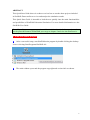
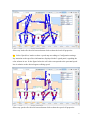
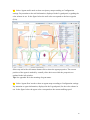
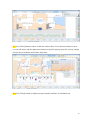
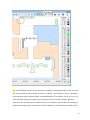
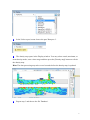
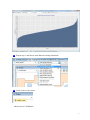
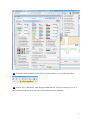
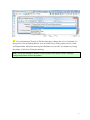
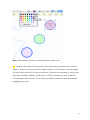
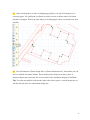
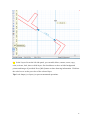
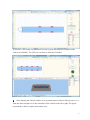
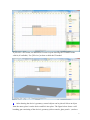
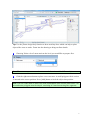
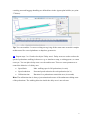
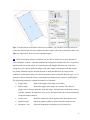
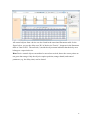
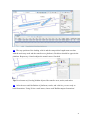
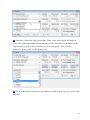
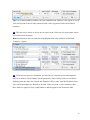
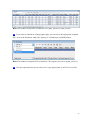
Tip: It is recommended to conduct your first simulation run with just a few agents to verify
your concept and to check if the potential fields of the waypoints can be built without
problems.
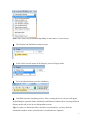
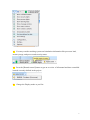
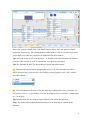
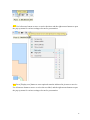
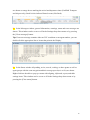
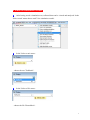
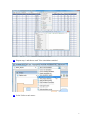
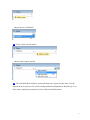
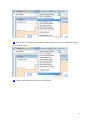
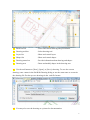
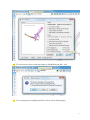
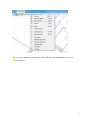
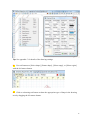
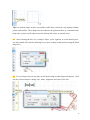
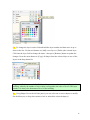
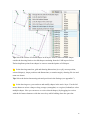
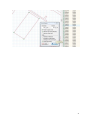
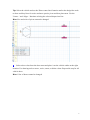
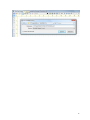
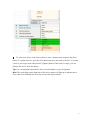
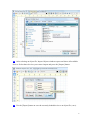
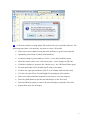
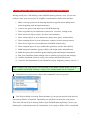
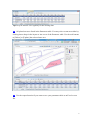
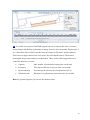
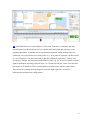
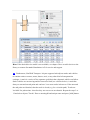
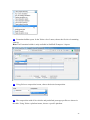
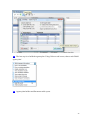
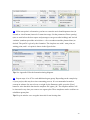
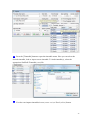
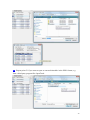
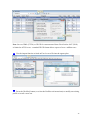
45 The last step is always to select an exit point. In the 'Select an exit point' menu choose
one of the listed exit points.
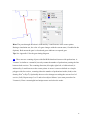
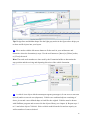
Hint: Formations in the exit point list are highlighted but only available in SimWalk
Transport / Airport.
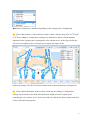
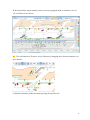
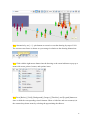
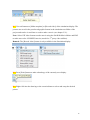
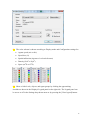
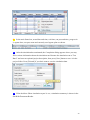
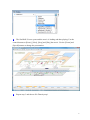
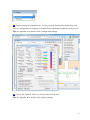
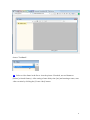
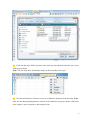
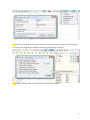
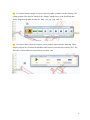
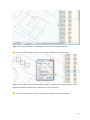
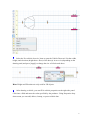
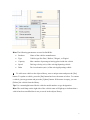
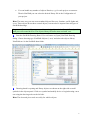
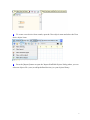
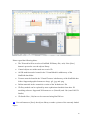
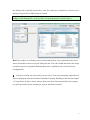
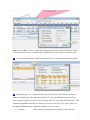
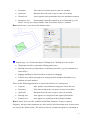
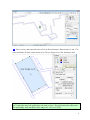
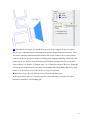
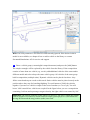
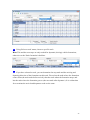
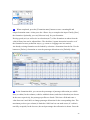
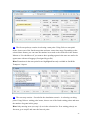
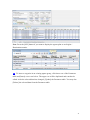
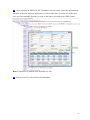
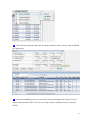
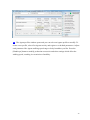
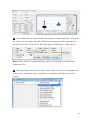
46 If the last exit point is a formation, you also have to enter the arrival and departure
time (in seconds or clock format). Set the parameters 'Door closing' (time to wait before
departing after the doors has closed) and 'Departure delay' (max. time the formation waits
if not yet all passengers are aboard) as desired. If the exit point is not a formation, then
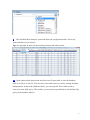
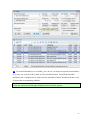
these times are ignored. Press [Add] button to add the agents to the Parameter table.
29