1
ABSTRACT
This Quick Start Guide shows in a short overview how to run the demo projects included
in SimWalk Demo and how to view and analyse the simulation results.
This Quick Start Guide is intended to lead the user quickly into the main functionalities
and possibilities of SimWalk Pedestrian Simulation. For more detailed information see the
SimWalk User Guide.
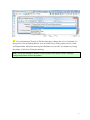
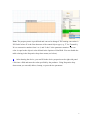
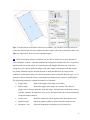
ote: If you first want to get an overview of the simulation data in the demo project and
see the powerful features of SimWalk you can go to chapter 2 and view the demo movie.
1. Run the demo project
1
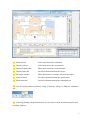
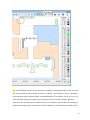
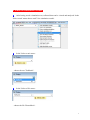
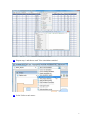
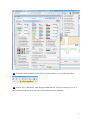
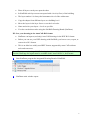
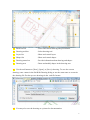
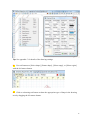
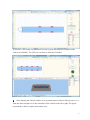
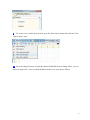
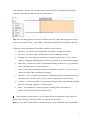
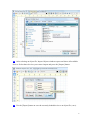
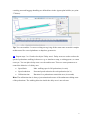
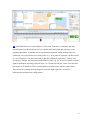
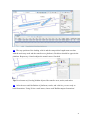
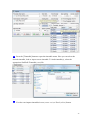
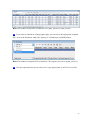
After a successful setup, start SimWalk main program by double-clicking the desktop
icon or selecting Start/Programs/SimWalk 4.0.
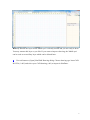
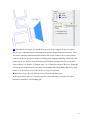
2
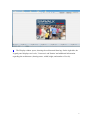
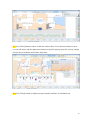
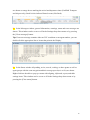
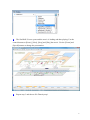
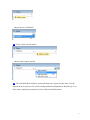
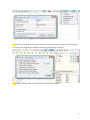
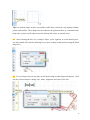
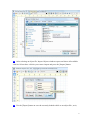
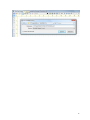
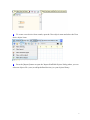
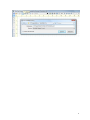
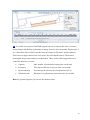
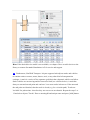
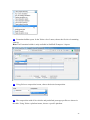
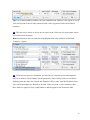
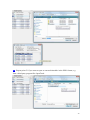
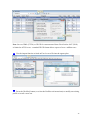
The main window opens and the program copyright and version info are shown.
2