1
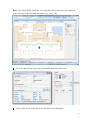
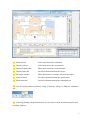
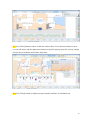
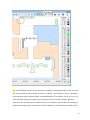
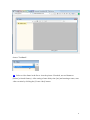
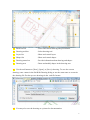
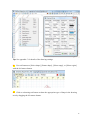
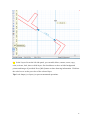
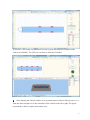
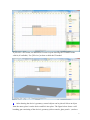
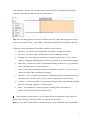
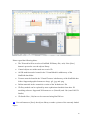
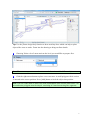
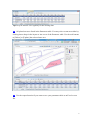
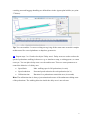
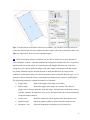
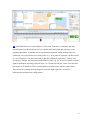
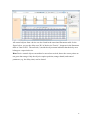
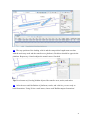
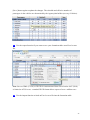
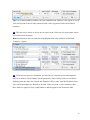
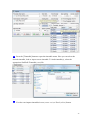
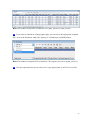
D1 In the Display status bar, the current level number, drawing dimensions and unit (m or
yd), cursor position, project and level name are shown. The timeline on top is a graphical
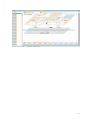
representation of the runtime and the estimated duration. The timeline can be set on or off
in the Settings drop-down menu or by pressing the [Close timeline] button. During a
simulation, the timeline pointer indicates the current runtime whereas the scale marking is
adjusted according to the estimated end of the simulation. If Formations are defined, they
18