1
User's Guide 3.6 US.QXD 3/11/99 3:58 PM Page 29
1.5 Tutorial 5
1.5 TUTORIAL 5
Where we will load and save files to disk, split the outline drawing and the coloring
in several layers, whilst drawing a cartoon-style portrait.
Run TVPaint with the Standard configuration. If it is already running, exit the
program then restart it. This rather drastic way of resetting the program defaults at
least ensures that the right settings are in place for this step by step guide.
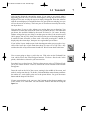
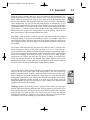
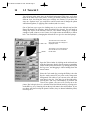
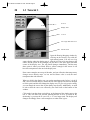
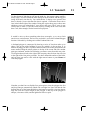
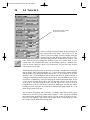
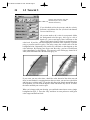
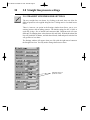
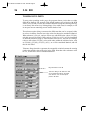
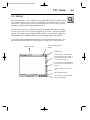
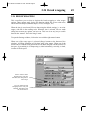
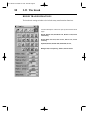
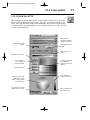
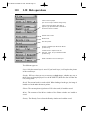
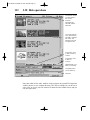
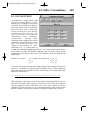
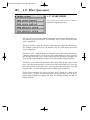
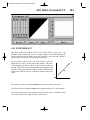
Click on the Disk icon at the bottom of the main toolbox: the Input/Output (I/O)
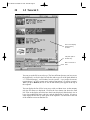
window appears. Click on the Load button under the Project title at the top of this
window. A large dialog box, or file requester, will appear to help you find the
project you want to load.
Cl
ick here
The “name” of a project includes an “address” on your
computer’s disks: the disk and the successive directories
pointing to the file. This address is called the path, which
the computer has to follow to get to the file.
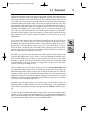
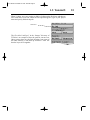
We therefore need to select a path and find a project to load. For this, you need to
find the project called “surprise.pro” which is in the “Images” subdirectory, which
is itself in the “TVPaint” directory. The “TVPaint” directory is created when the
program is installed onto your machine, onto whatever disk or directory you
choose (default is C: drive for Windows based systems,
“/usr/people/username/tvpaint” directory for SGI systems and Work: volume for
Amiga systems).
29