1
Lab 6: Troubleshooting IP Connectivity
Troubleshoot PC issue
In this section, you will troubleshoot an issue on PC1 and PC2. There is no DNS server in
the lab network, so if users on the PCs want to use names instead of addresses, they will
have to use local name mapping.
6.
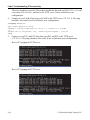
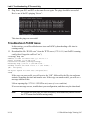
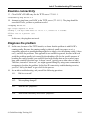
Ping from your PC1 and PC2 to the name “Server”. The pings should not be successful.
Here’s one of the PCs pinging “Server”:
7.
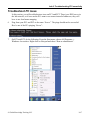
On PC1 and PC2, do the following: From the Start menu, choose All Programs ->
Windows Accessories. Right click on Notepad and chose “Run as administrator”.
© Global Knowledge Training LLC
L6-7