1
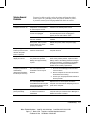
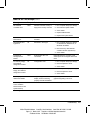
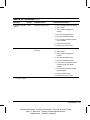
Solving General Problems Continued
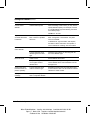
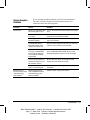
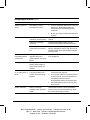
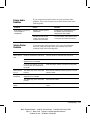
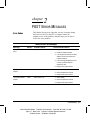
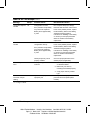
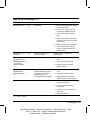
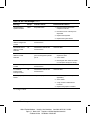
Problem
Cause
Solution
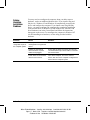
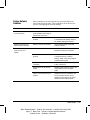
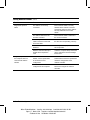
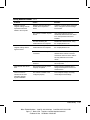
Cannot remove computer
cover or access panel
Smart Cover Lock, featured on
some computers, is locked.
Unlock the Smart Cover Lock using Computer
Setup (F10 Setup).
The Smart Cover FailSafe Key, a device for
manually disabling the Smart Cover Lock, is
available from Compaq. You’ll need the FailSafe
Key in case of forgotten password, power loss,
or computer malfunction.
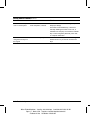
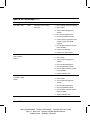
Cursor will not move
using the arrow keys on
the keypad
1-4
The Num Lock key may be on.
Press the Num Lock key. The Num Lock light
should not be on if you want to use the arrow
keys.
Troubleshooting
Writer: Elizabeth Hedstrom Saved by: Jake Schulzinger Saved date: 06/21/99 8:14 AM
Pages: 17 Words: 3780 Template: c:\msoffice\templates\comm.dot
File Name ch1.doc Part Number 122838-002