1
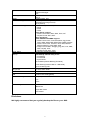
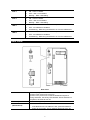
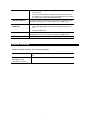
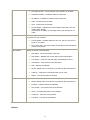
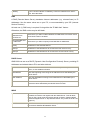
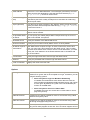
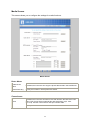
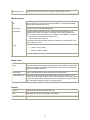
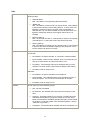
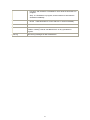
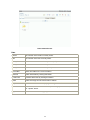
Disk 1 Disk 2 USB 1 USB 2 ON – Disk 1 installed. OFF – Disk 1 not installed. Blinking – Raid 1 Rebuilding. ON – Disk 2 installed. OFF – Disk 2 not installed. Blinking – Raid 1 Rebuilding. ON - USB device connected to the USB port. OFF - No USB device installed. Fast Blinking - Data being transferred to or from the USB device. ON - USB device connected to the USB port. OFF - No USB device installed. Fast Blinking - Data being transferred to or from the USB device. Rear Panel Rear Panel Power Switch This is a spring-loaded "Soft Switch". If power is Off, press once to turn On. If power is On, press once to start the Shutdown sequence. During Shutdown, the Ready LED will blink. When Shutdown is completed, all LEDs will turn off. Power Input Connect the supplied power adapter here. Reset Button (IP/Password) This button has 2 functions: If the NAS Server’s IP Address is lost, press and hold this button for 2 seconds. The IP Address will be set to the de- 6