1
im Vertrieb von
#
CAMBOARD Electronics
Feature and Function
RSS:
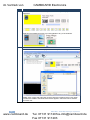
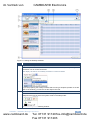
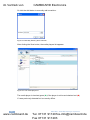
Select the URL, background color and the duration of the widget.
Web page:
Select the URL and the duration of the widget.
5
Remove Button
Click to remove an item from the playlist.
6
Option Button
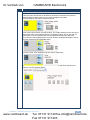
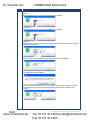
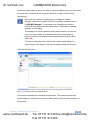
You can select an option for each item in the playlist by selecting it and clicking the
Option button. The selected option will appear under the Option column.
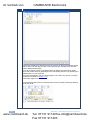
The examples below show options for an mp3 file, a jpg file and a PowerPoint file,
respectively.
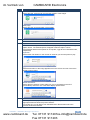
mp3 File:
Select either full duration or the number of seconds you want this piece to play.
jpg File:
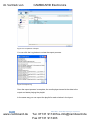
Select the duration of the image appearance on the screen and one of the three
display options below.
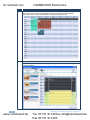
Power Point File:
Select the time duration of each slide (only if it is not specified in the PPT
presentation) and set to one of the three display options below.
7
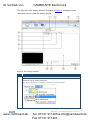
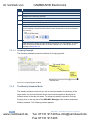
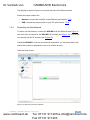
Preview Button
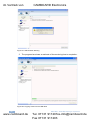
Click to preview the playlist. You can stop or pause the preview with the
appropriate buttons below the preview window.
To recall a file, you can drag it from the Media list or Recent Items list to the
preview window and watch it
KDS-MP1 - KDS-MP1 Manager Operation
www.camboard.de
25
Tel. 07131 [email protected]
Fax 07131 911203