1
R&S®Pulse Sequencer
Creating Complex 2D Scenarios with Receivers and Interferers
How to Create Scenarios with Emitters, Interferers and a Receiver
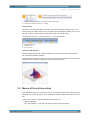
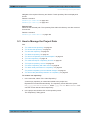
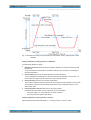
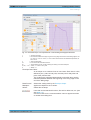
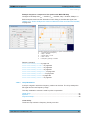
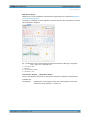
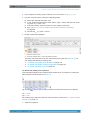
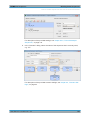
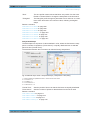
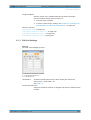
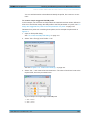
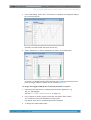
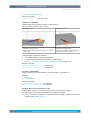
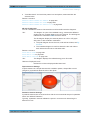
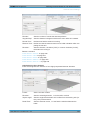
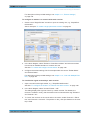
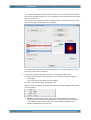
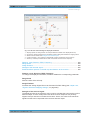
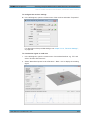
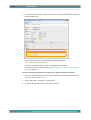
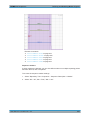
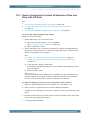
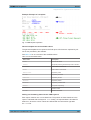
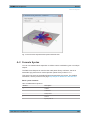
3. To display only the signal at the receiver, enable "Emitter Only".
The calculation assumes a receiver with an omnidirectional antenna pattern.
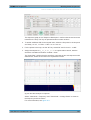
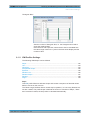
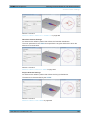
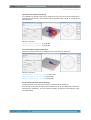
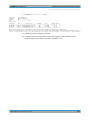
4. Compare the displayed signal with the signal received by a static receiver in a "Single Emitter" scenario with the same emitter "E2".
See figure 11-3.
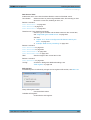
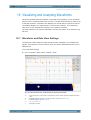
For description of the provided settings, see chapter 13.1.3, "3D Scan Pair View
Settings", on page 205.
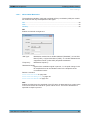
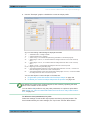
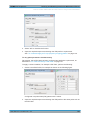
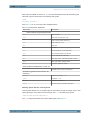
To map the generated signals to the signal generator
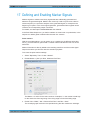
In a "Scenario Type > Localized Emitters", you have to select the signal of which emitter/interferer is currently transmitted to which signal generator.
You can assign more then one signals to each of the instrument paths.
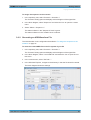
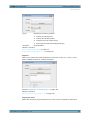
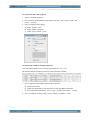
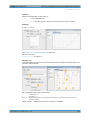
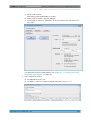
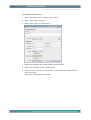
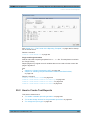
1. In the "Scenario" dialog, perform one of the following:
a) select "Upload to VSG > Assign Emitters"
b) select "Emitters > 2D > Assign Emitters"
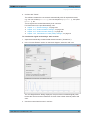
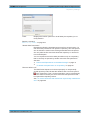
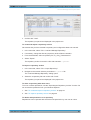
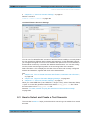
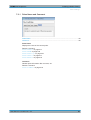
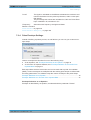
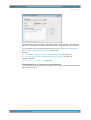
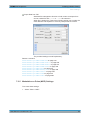
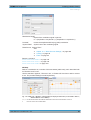
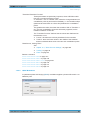
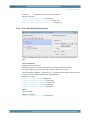
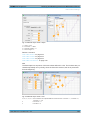
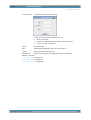
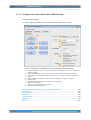
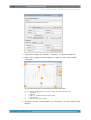
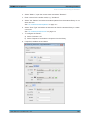
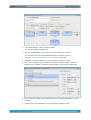
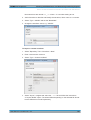
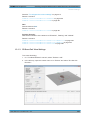
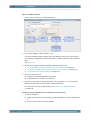
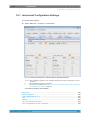
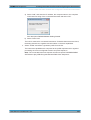
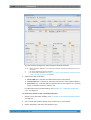
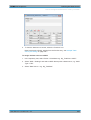
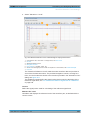
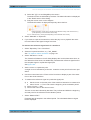
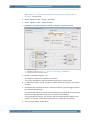
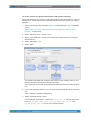
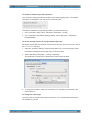
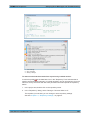
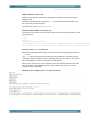
The "Assign Signal Source to Generator Profiles" dialog opens.
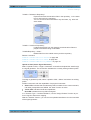
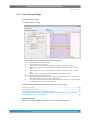
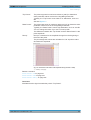
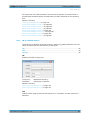
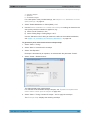
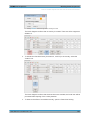
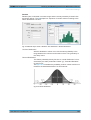
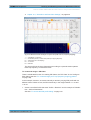
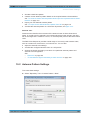
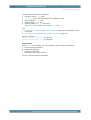
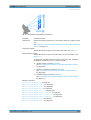
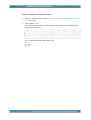
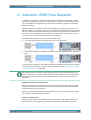
2. Drag&Drop an Emitter/Interferer to assign its signal to a generator profiles.
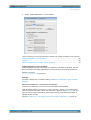
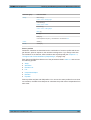
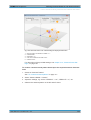
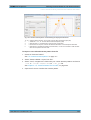
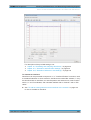
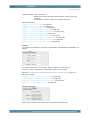
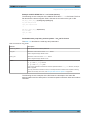
1 = Master instrument
2 = Generator profile (see chapter 14.2, "Generator Profile Settings", on page 219)
3 = Physical instrument and serial number
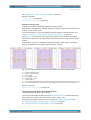
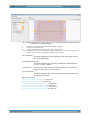
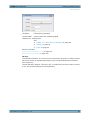
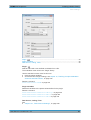
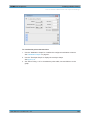
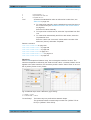
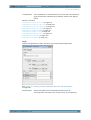
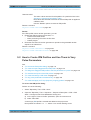
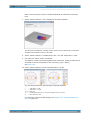
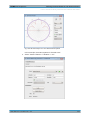
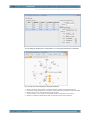
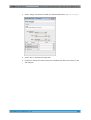
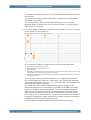
3. Enable "Connection diagram > On".
User Manual 1176.9512.02 ─ 03
214