1
R&S®Pulse Sequencer
Remote-Control Commands
Sequence Commands
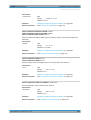
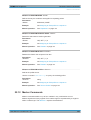
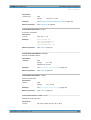
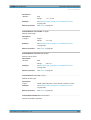
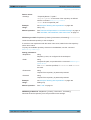
Parameters:
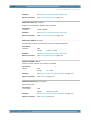
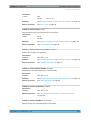
<Offset>
float
Range:
-180 to 180
Example:
SEQuence:ITEM:PHASe:OFFSet 30
Manual operation:
See "Phase" on page 111
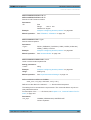
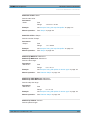
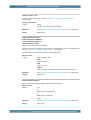
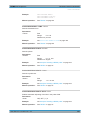
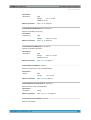
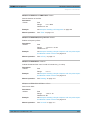
SEQuence:ITEM:PRI <Pri>
Sets the Pulse Repetition Interval (PRI).
Parameters:
<Pri>
float
Range:
0 to 1e+09
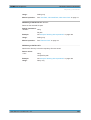
Example:
see example "Creating a simple sequence with two pulse repeated different number of times" on page 373
Manual operation:
See "PRI" on page 111
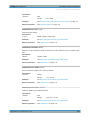
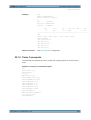
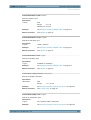
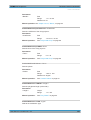
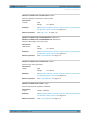
SEQuence:ITEM:WAVeform <Waveform>
SEQuence:ITEM:PULSe <Pulse>
Assigns a pulse or a waveform to the selected item.
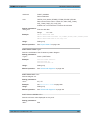
Use the commands PULSe:CATalog? and WAVeform:CATalog? to querry the available pulses and wavefroms
Parameters:
<Pulse>
string
Pulse name
Example:
see example "Creating a simple sequence with two pulse repeated different number of times" on page 373
Manual operation:
See "Pulse/Waveform" on page 110
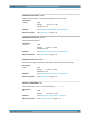
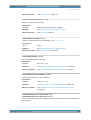
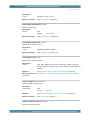
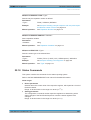
SEQuence:ITEM:REP:COUNt:DURation <Duration>
Sets a time duration.
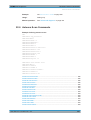
Parameters:
<Duration>
float
Range:
0 to 1e+09
Default unit: sec
Example:
see example "Creating a simple sequence with two pulse repeated different number of times" on page 373
Manual operation:
See "Repetition Number" on page 112
User Manual 1176.9512.02 ─ 03
379