1
R&S®Pulse Sequencer
Remote-Control Commands
Scenario Commands
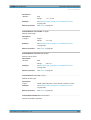
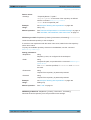
Parameters:
<Level>
float
Range:
-200 to 30
Example:
see example "Creating simple pulse train scenario" on page 357
Manual operation:
See "Ref. Level" on page 56
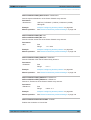
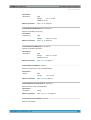
SCENario:OUTPut:PATH <Path>
Sets the directory the generated waveform is stored in.
Parameters:
<Path>
string
file path
Example:
see example "Creating a simple emitter scenario" on page 358
Manual operation:
See "Load ARB File" on page 59
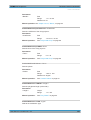
SCENario:OUTPut:REPository:ENABle <Enable>
Enables file storage in the repository.
Parameters:
<Enable>
ON | OFF | 1 | 0
Example:
see example "Creating simple pulse train scenario" on page 357
Manual operation:
See "Volatile, Repository" on page 57
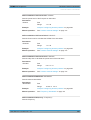
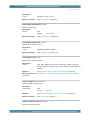
SCENario:OUTPut:RESet:ENABle <Enable>
Restarts the connected instrument on sceanrio start.
Parameters:
<Enable>
ON | OFF | 1 | 0
Example:
see example "Creating simple pulse train scenario" on page 357
Manual operation:
See "Start with Reset" on page 56
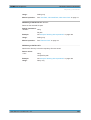
SCENario:OUTPut:RF:ENABle <Enable>
Parameters:
<Enable>
Manual operation:
ON | OFF | 1 | 0
See "Set (RF level and frequency on target instrument)"
on page 56
SCENario:OUTPut:RUNMode <Runmode>
Defines the way the generated signal is processed.
User Manual 1176.9512.02 ─ 03
371