1
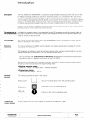
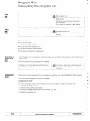
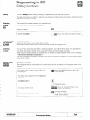
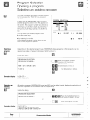
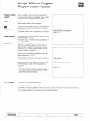
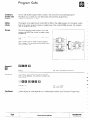
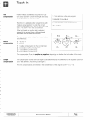
Teach-In
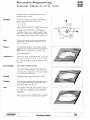
Tool
compensation
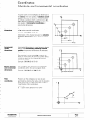
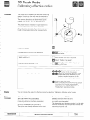
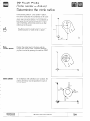
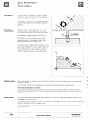
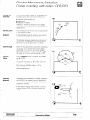
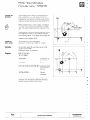
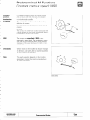
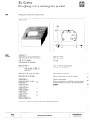
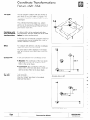
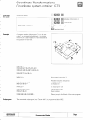
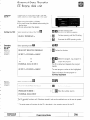
Position values (coordinates)
acquired via “Capture actual position” contain the length and radius
of compensation
for the tool in use.
Therefore it is advisable when programming
with
“Capture actual position” to enter the correct
radius compensation
(G41. G42 or G43. G44) and
use L = 0 and R = 0 in the tool definition.
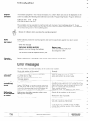
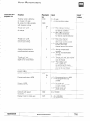
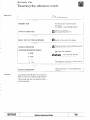
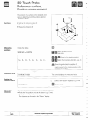
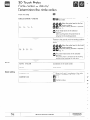
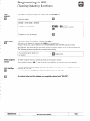
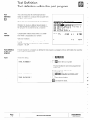
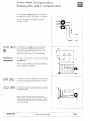
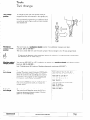
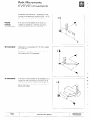
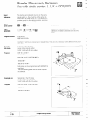
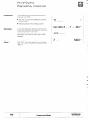
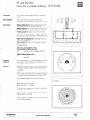
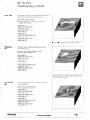
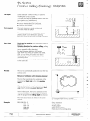
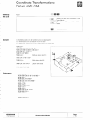
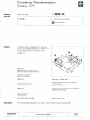
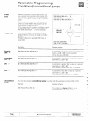
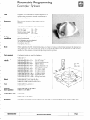
1. Tool definition
in the part program
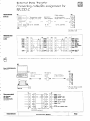
3 NlO G95 Tl L+O R+O
2. Tool definition
in the central tool file
/ Tl L+O R+O
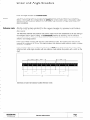
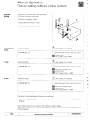
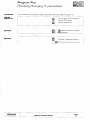
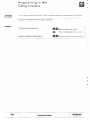
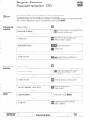
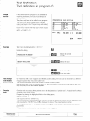
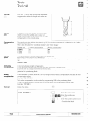
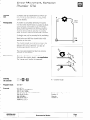
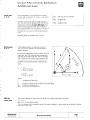
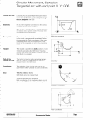
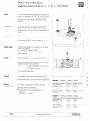
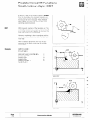
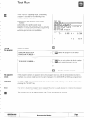
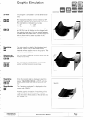
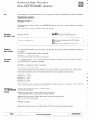
If the tool breaks or another tool is selected
instead of the original, then a different length
and radius can be taken into account.
The new compensation
are differences:
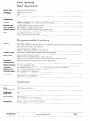
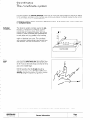
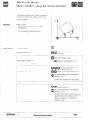
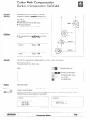
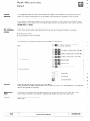
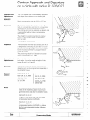
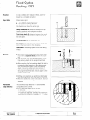
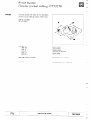
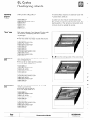
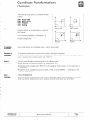
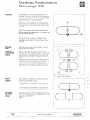
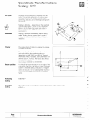
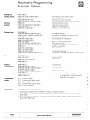
Radius
compensation
R=O
values for the tool radius
radius compensation
for
tool radius of the original
tool radius of a new tool
tool radius of a new tool
the tool definition
tool 0
0
0
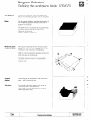
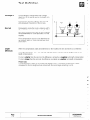
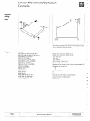
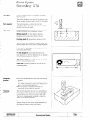
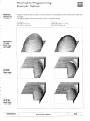
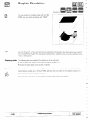
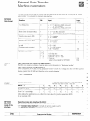
The compensation
R can be positive or negative,
depending
Inserted tool IS larger (+) or smaller (-) than the origrnal tool.
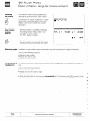
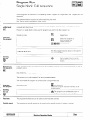
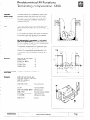
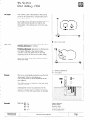
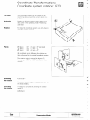
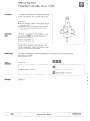
The compensation
for the new tool length IS also determined
(see “Tool definition, Transferring tool length”).
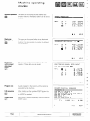
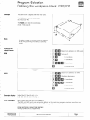
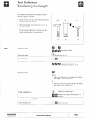
The new compensations
HEIDENHAIN
TNC 25008
R= -__
R = R2-Fi, or
R = R3-R,
R =
RI =
R2 =
R3 =
Length
compensation
R= +..,
are entered
in the tool definition
Programming
Modes
on whether
the tool radius of the newly
as the difference
of the original
to the originally
tool (R = 0, L = 0)
Page
P 123
used tool