1
5. Device Setup using Control Center (@Trip Software)
The GPS logger is set up using the control center. There are 3 operation modes:
-
Automatic logging in an adjustable interval time with manual interaction (device has to
be switched ON manually); recommended for beginners.
Automatic logging in an adjustable interval time in silent mode (no LED status, no
manual on/off switching; preferred option to track pets)
Automatic logging according to a time schedule. Enables the device for a specified time
during day/week.
The following section will show you how to change between the modes.
To setup the device follow these steps:
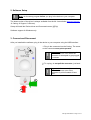
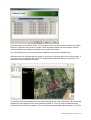
1. Select device setup:
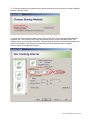
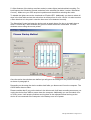
2. Select Configuration. If the device is protected by a password then enter it. Click “Next”.
CatLog User Manual - Page 6 of 14