1
The Glyph Window
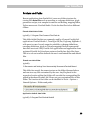
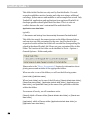
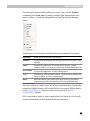
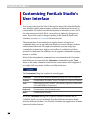
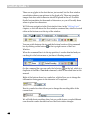
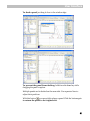
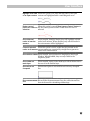
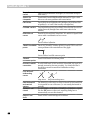
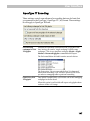
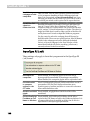
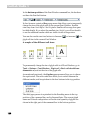
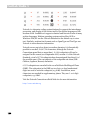
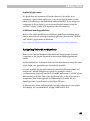
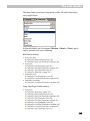
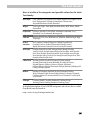
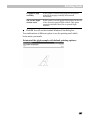
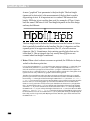
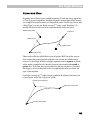
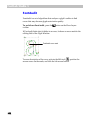
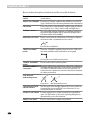
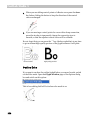
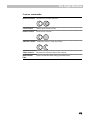
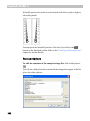
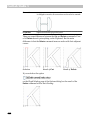
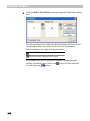
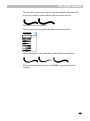
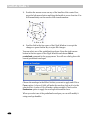
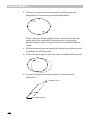
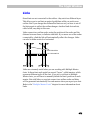
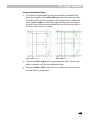
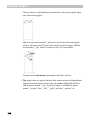
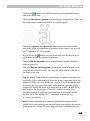
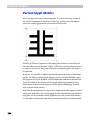
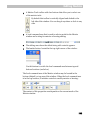
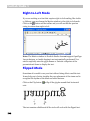
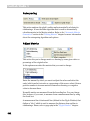
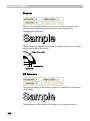
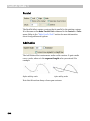
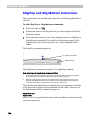
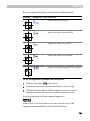
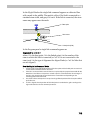
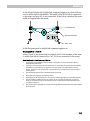
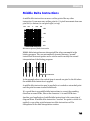
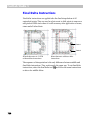
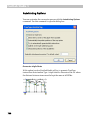
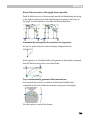
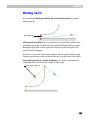
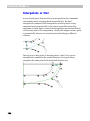
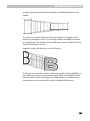
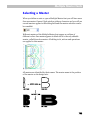
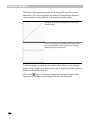
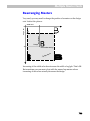
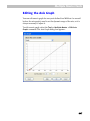
c) If point is outside the interpolated points, it is shifted with the closest
reference point:
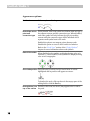
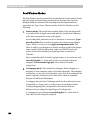
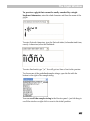
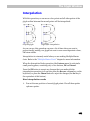
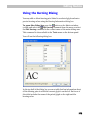
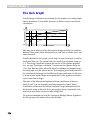
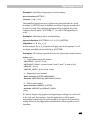
Reference point 1
Reference point 2
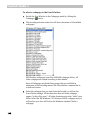
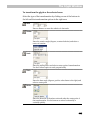
To interpolate a glyph:
1.
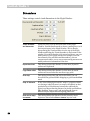
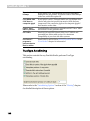
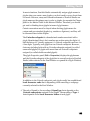
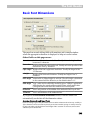
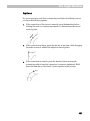
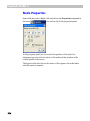
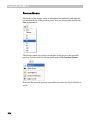
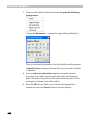
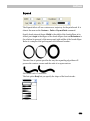
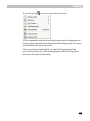
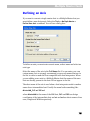
Activate an Interpolation operation. Select the Interpolate Nodes
command in the Contour menu.
2.
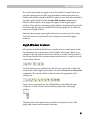
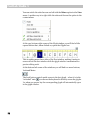
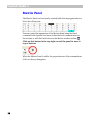
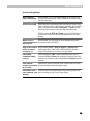
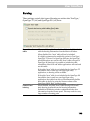
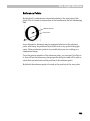
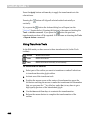
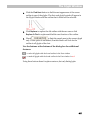
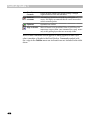
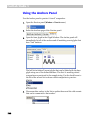
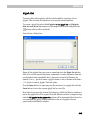
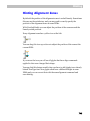
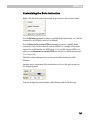
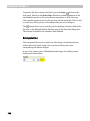
You will see a panel with the OK and Cancel buttons. You can press the
OK button any time to finish your work with the Interpolation
operation or press the Cancel button to reject all changes.
3.
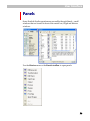
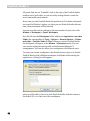
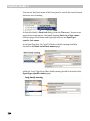
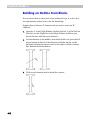
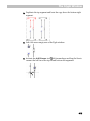
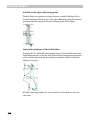
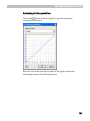
Position the mouse cursor on the reference point that you want to set;
press the left mouse button and drag the point to a new location.
Release the button when you are done. Note that the point will “stick”
to all guiding layers as well as to other glyph nodes. Hold the SHIFT key
down to constrain the direction of movement to 15-degree increments.
4.
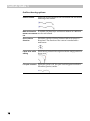
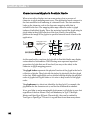
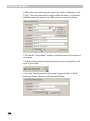
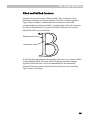
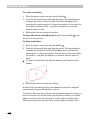
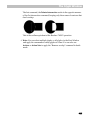
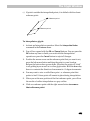
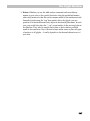
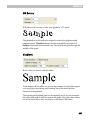
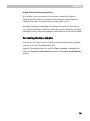
You may want to set a so-called base point – a reference point that
points to itself. A base point will remain in place during interpolation.
5.
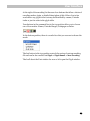
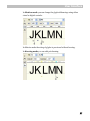
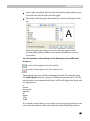
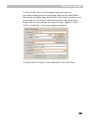
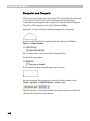
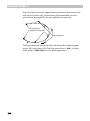
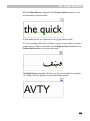
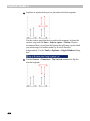
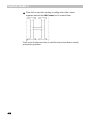
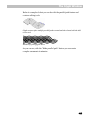
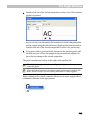
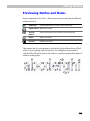
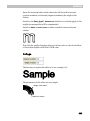
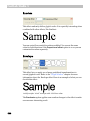
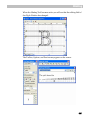
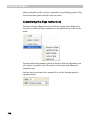
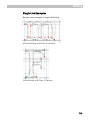
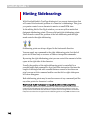
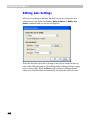
When you set the new position of the first reference point, you will see
the results of outline interpolation as a gray outline.
6.
Click on a reference point with the right mouse button to remove
that reference point.
465