1
OpenType Fonts
OpenType Panels
FontLab Studio provides two panels that deal with OpenType features: the
OpenType panel and the OpenType Features page of the Preview panel.
OpenType Panel
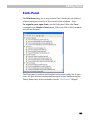
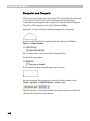
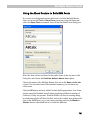
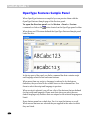
In FontLab Studio you can see OpenType features in the special OpenType
panel. To open the panel use the Window > OpenType panel command.
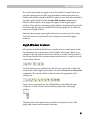
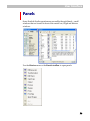
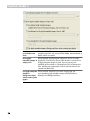
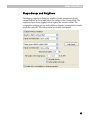
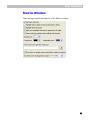
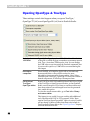
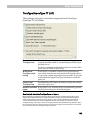
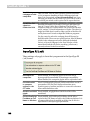
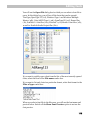
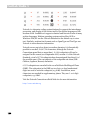
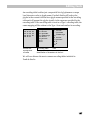
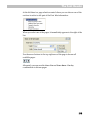
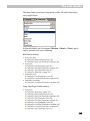
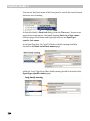
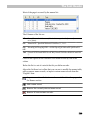
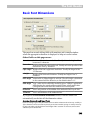
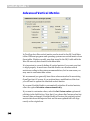
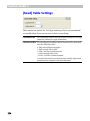
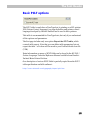
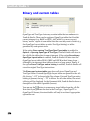
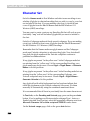
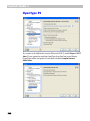
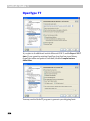
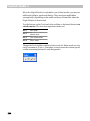
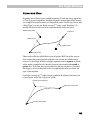
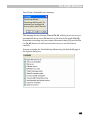
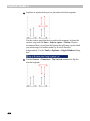
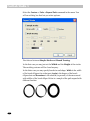
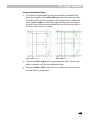
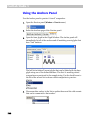
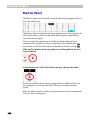
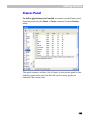
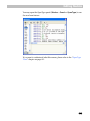
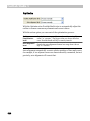
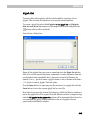
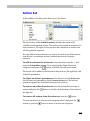
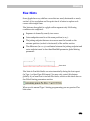
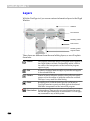
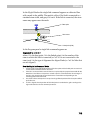
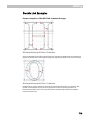
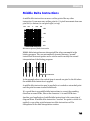
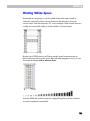
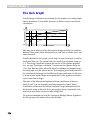
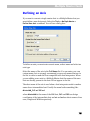
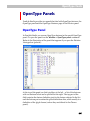
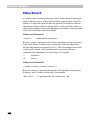
Below is the illustration of the panel that appears if you open the Palatino
Linotype font (pala.ttf):
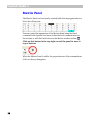
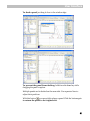
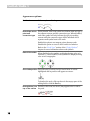
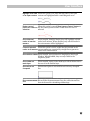
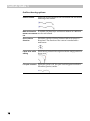
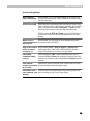
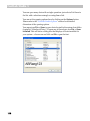
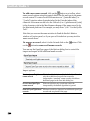
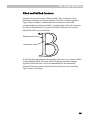
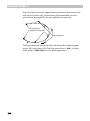
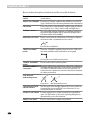
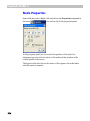
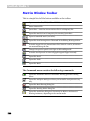
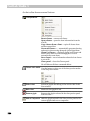
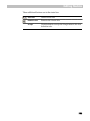
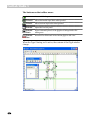
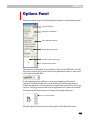
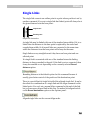
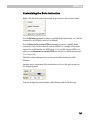
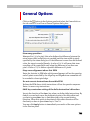
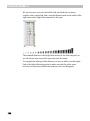
At the top of the panel you find a toolbar, at the left – a list of the features
with two buttons below and a split field at the right. The top part of the
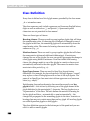
field contains the feature definition text for the feature selected in the list
and the bottom part contains the global definition data, which usually is a
definition of the glyph classes (unless they are defined in the Classes
panel).
841