1
Hinting
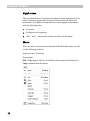
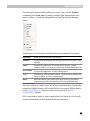
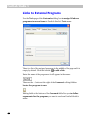
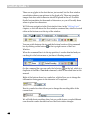
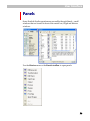
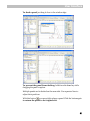
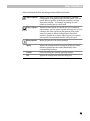
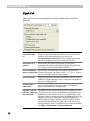
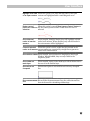
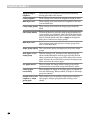
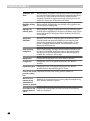
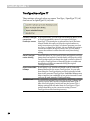
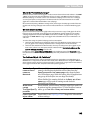
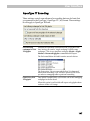
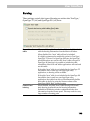
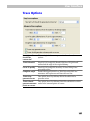
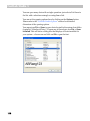
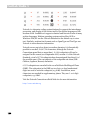
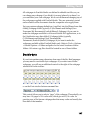
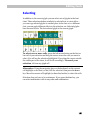
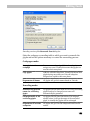
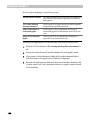
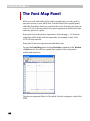
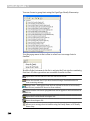
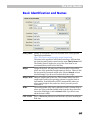
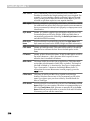
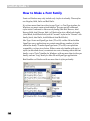
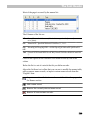
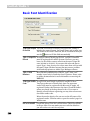
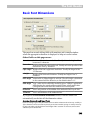
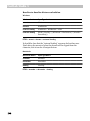
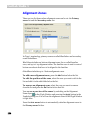
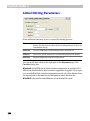
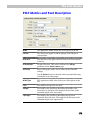
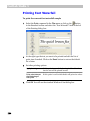
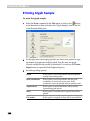
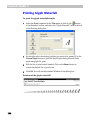
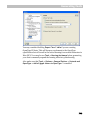
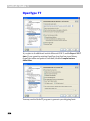
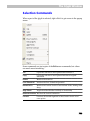
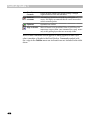
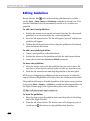
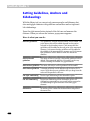
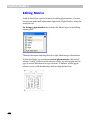
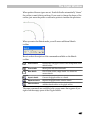
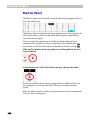
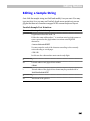
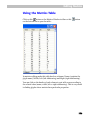
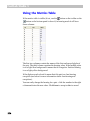
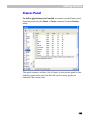
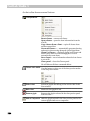
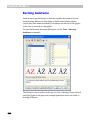
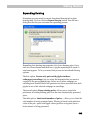
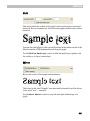
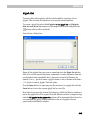
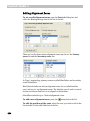
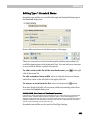
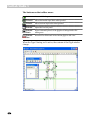
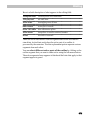
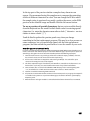
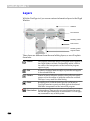
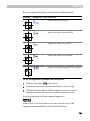
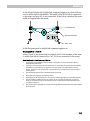
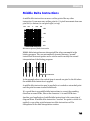
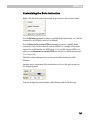
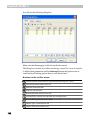
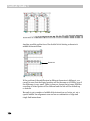
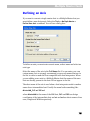
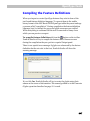
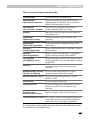
Columns in the list mean:
Name
Name of the stem. This is editable if you click the F2 button on the
keyboard. You can also use the control below the list to change the
stem name. The stem name appears when the stem is used in
hinting program. We do not recommend using long stem names, 68 characters is enough in most cases
Width
Width of the stem. Use the control below the column to change the
value
PPM2-PPM6
PPMs at which the stem is scaled to 2-6 pixels.
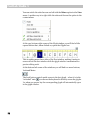
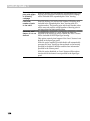
Click on the column header to sort the list by the column values.
A yellow background in the list highlights vertical stems.
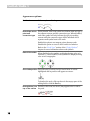
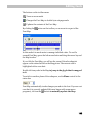
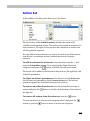
or the
button and a
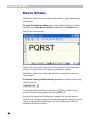
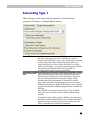
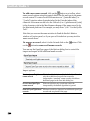
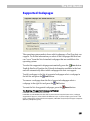
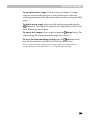
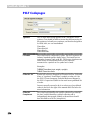
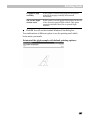
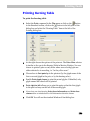
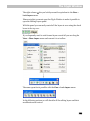
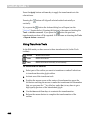
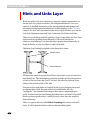
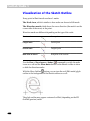
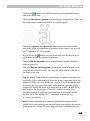
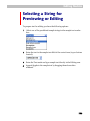
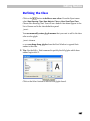
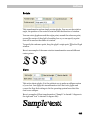
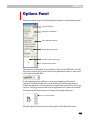
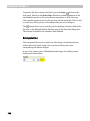
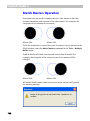
It is easy to add a new stem: just click on the
new stem will appear with the <unnamed> name and a width of 100.
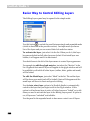
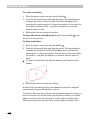
To remove a stem, select it in the list and click on the
button.
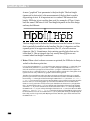
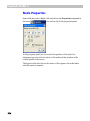
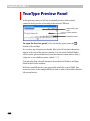
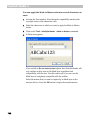
Click on the
button to append Type 1 stems to the list. FontLab Studio
will append only those stems that are not already in the list.
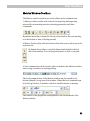
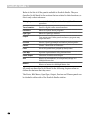
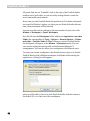
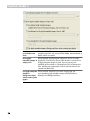
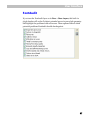
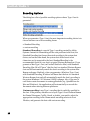
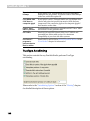
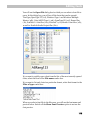
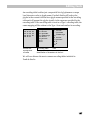
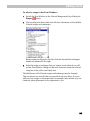
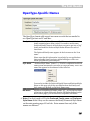
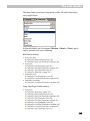
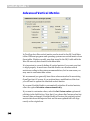
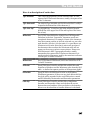
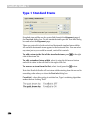
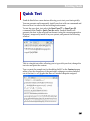
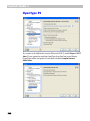
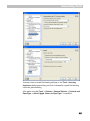
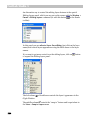
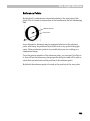
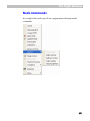
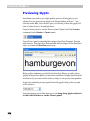
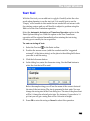
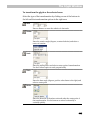
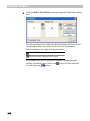
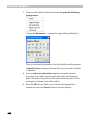
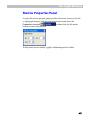
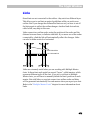
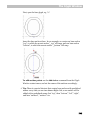
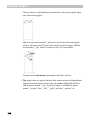
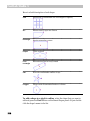
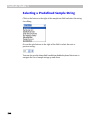
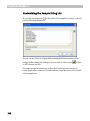
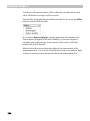
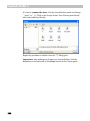
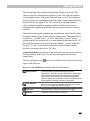
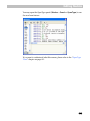
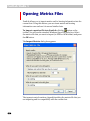
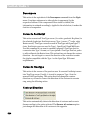
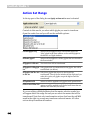
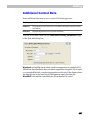
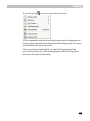
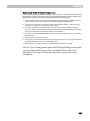
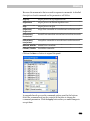
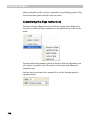
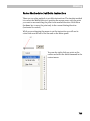
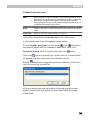
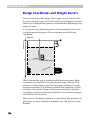
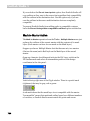
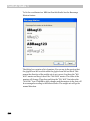
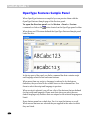
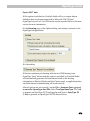
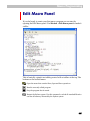
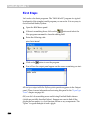
With the
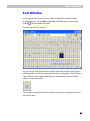
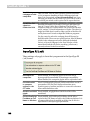
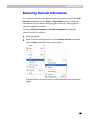
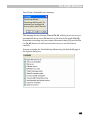
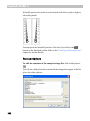
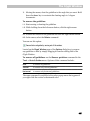
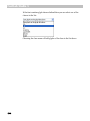
button you can append stems from another font. Click it and
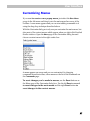
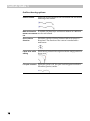
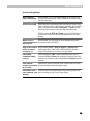
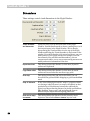
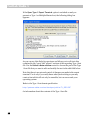
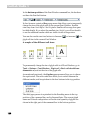
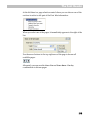
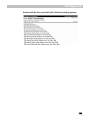
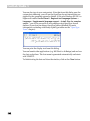
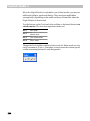
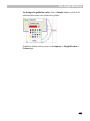
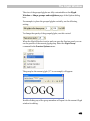
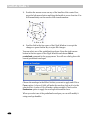
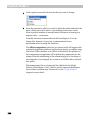
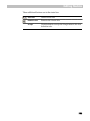
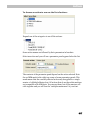
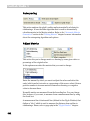
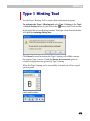
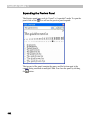
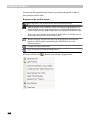
select the source font from the list:
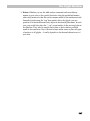
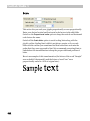
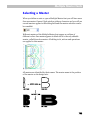
When you remove stems that are used by the hinting program in some
glyphs FontLab Studio will replace any stem-linked link with a simple
rounded link.
733