1
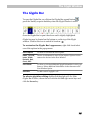
The Glyph Window
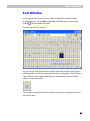
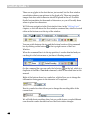
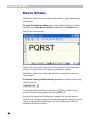
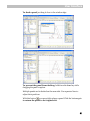
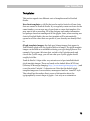
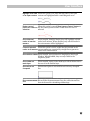
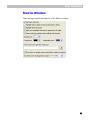
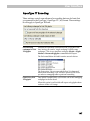
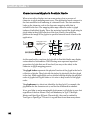
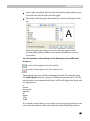
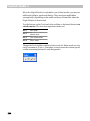
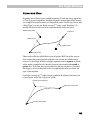
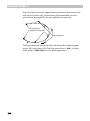
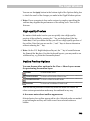
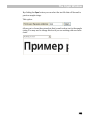
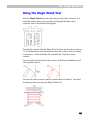
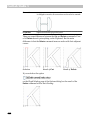
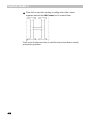
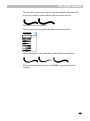
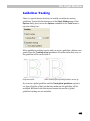
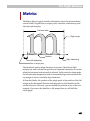
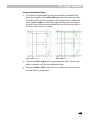
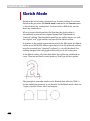
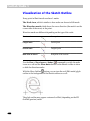
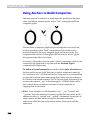
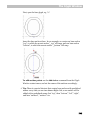
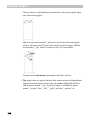
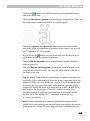
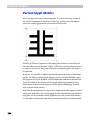
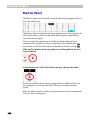
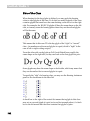
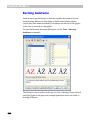
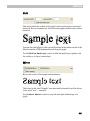
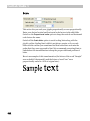
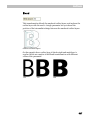
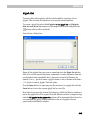
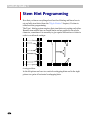
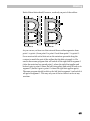
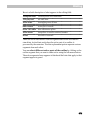
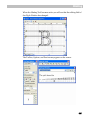
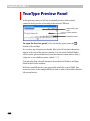
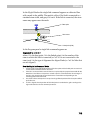
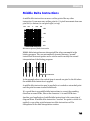
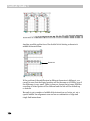
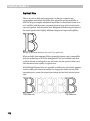
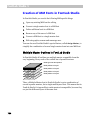
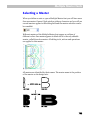
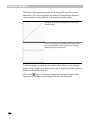
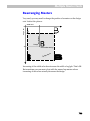
When points of known types are set, FontLab Studio automatically “draws”
the outline to match their positions. If you want to change the shape of the
outline, just move the points or add more points to increase the precision:
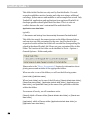
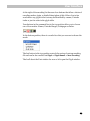
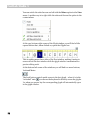
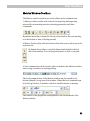
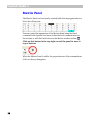
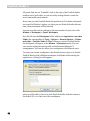
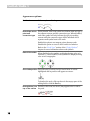
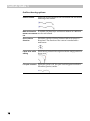
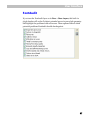
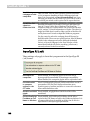
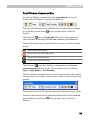
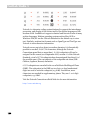
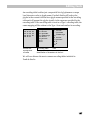
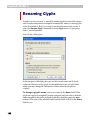
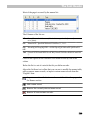
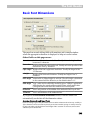
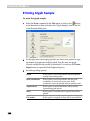
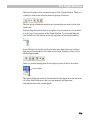
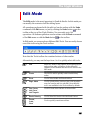
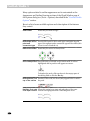
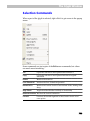
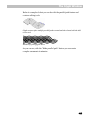
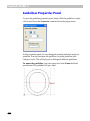
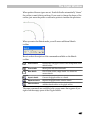
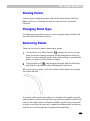
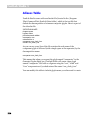
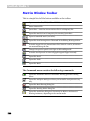
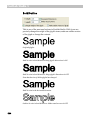
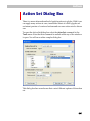
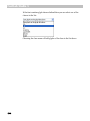
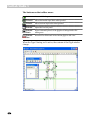
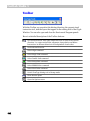
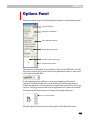
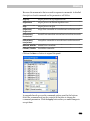
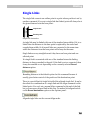
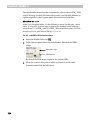
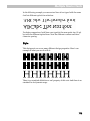
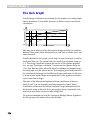
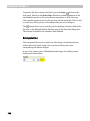
When you enter the Sketch mode, you will see an additional Sketch
toolbar:
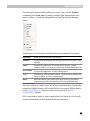
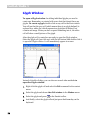
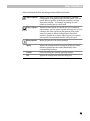
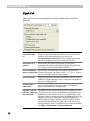
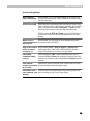
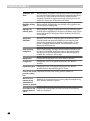
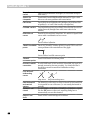
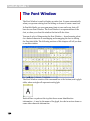
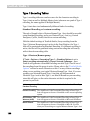
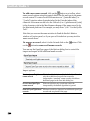
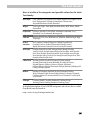
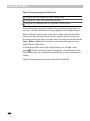
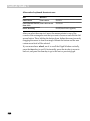
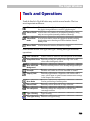
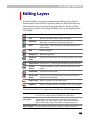
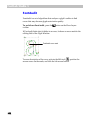
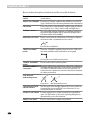
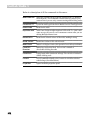
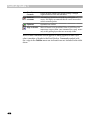
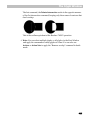
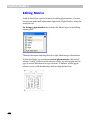
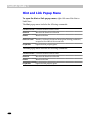
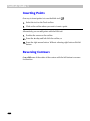
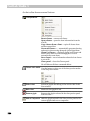
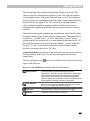
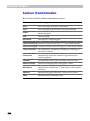
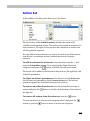
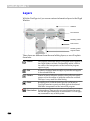
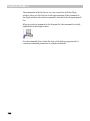
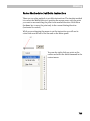
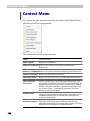
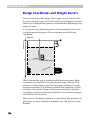
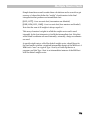
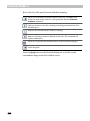
Here is a short description of the commands available on the Sketch
toolbar:
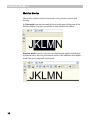
Show outline
Displays the real glyph outline in the background of the
sketch outline
Show marks
Shows point and direction marks
New sketch
Use to create a new, empty sketch. I.e. delete the
current sketch
Import sketch
Convert the glyph outline to a sketch
Replace outline
Replace the glyph outline with the sketch
Add to outline
Add the sketch outline to the glyph outline.
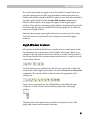
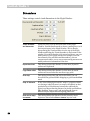
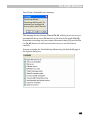
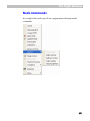
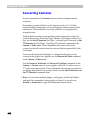
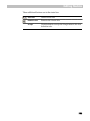
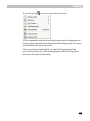
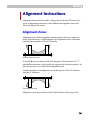
The same commands are available in the popup menu that appears if you
right-click the empty space of the Glyph window.
487